5. CHANNEL FUNCTION SETUP
5-3
5.6 Weather Alert Setup
In the event of extreme weather disturbances, such as storms and hurricanes, the
NOAA (National Oceanic and Atmospheric Administration) sends a weather alert ac-
companied by a 1050 Hz tone and subsequent weather report on one of the NOAA
weather channels. You can turn this alert on or off.
1. Press and hold down the CALL/MENU key until the
[Setup Menu] appears.
2. Rotate the CH knob to select [CH Function Setup] then
press the [SELECT] soft key.
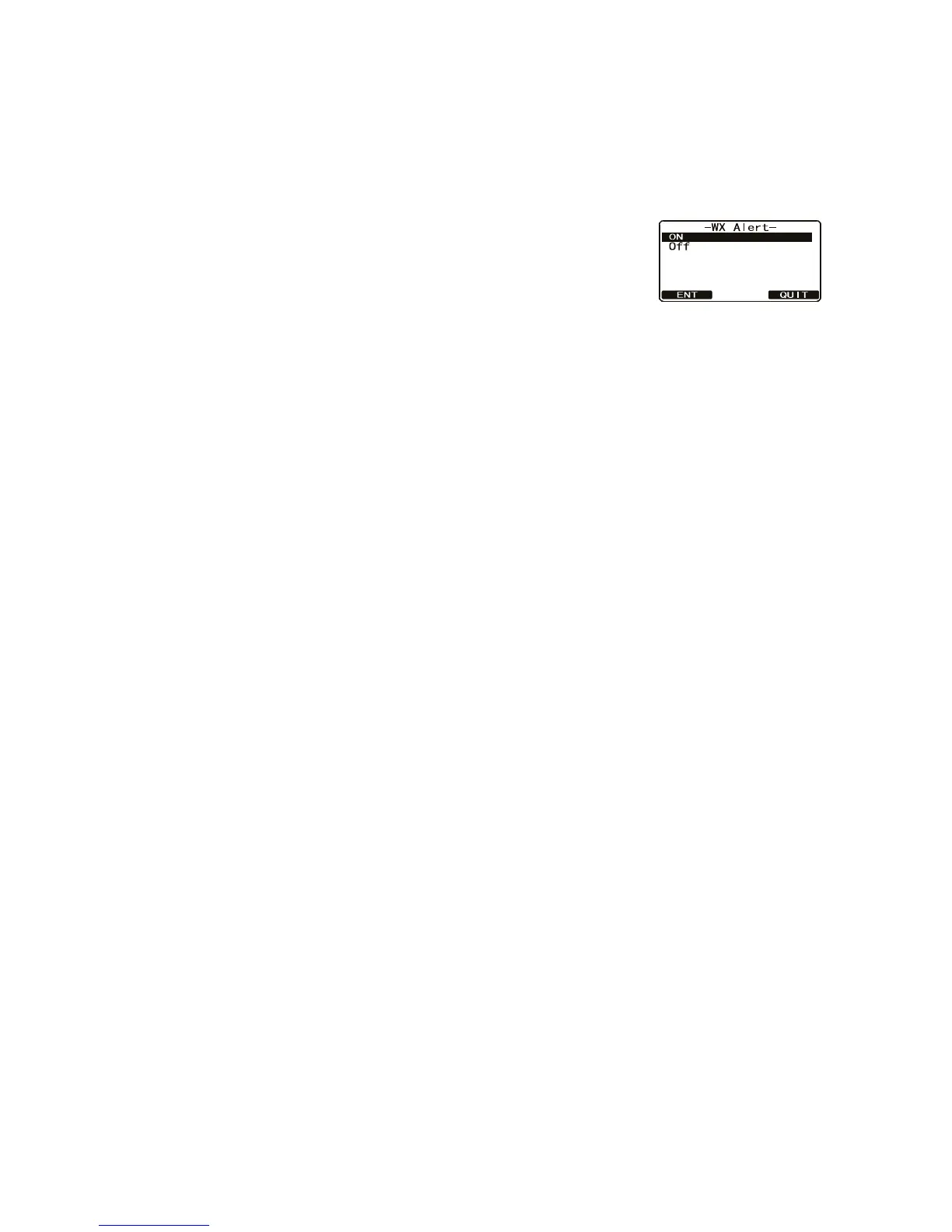
3. Select [WX Alert] with the CH knob then press the [SE-
LECT] soft key.
4. Rotate the CH knob to select [On] or [Off] then press the [ENT] soft key to store
the selected setting.
5. Press the [QUIT] soft key several times to return to radio operation.


 To Next Page
 Loading...











