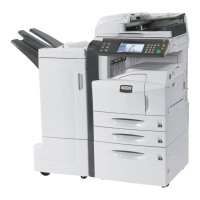
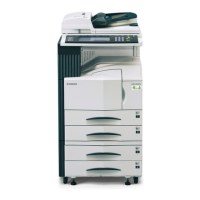
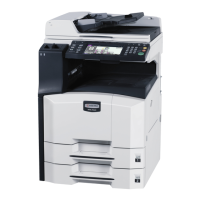
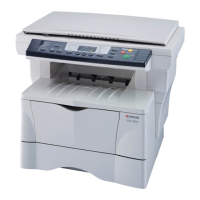
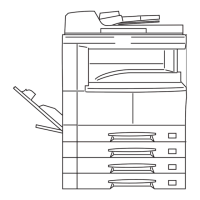
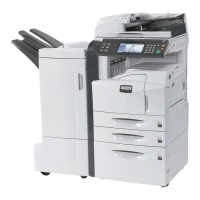
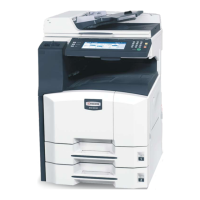
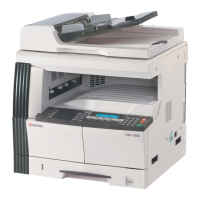
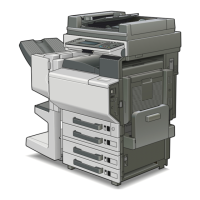
Optional Equipment
7-4 OPERATION GUIDE
1
Press the System Menu key.
2
Press [User Login/Job Accounting].
If user login administration is invalid, the user authentication screen is
displayed. Enter a login user name and password, and press [Login].
3
Press [Next] of Job Accounting Setting, [Register/Edit] of Accounting List,
and then [Add].
4
Press [Change] of
FAX Port Restriction.
5
Select [Off], [Use
Port 1 Only], or [Use
Port 2 Only].
6
Press [OK].
For detailed information on restrictions and job accounting, refer to the
machine’s Advanced Operation Guide.
Account:
Print Restriction Printer:Print Restriction Copier:
Register
Status
10/10/2007 10:00
Scan Res tric ti on Other s:
Account ID:
Cancel
OffOff
Off
00001000
Change
Change
Change
Change
Change
FAX TX Restriction:
Off
Account Name:
Account 01
Change
FAX Port Restriction:
Off
Change
Status
Us er Login/Job A cc ounting - FAX Port Res tri ct ion
Specif y the port to be used.
Cancel OK
10/10/2007 10:00
Off Us e
Port 1 O nly
Use
Port 2 O nly


 To Next Page
 Loading...