15
ESP-LXME Controller
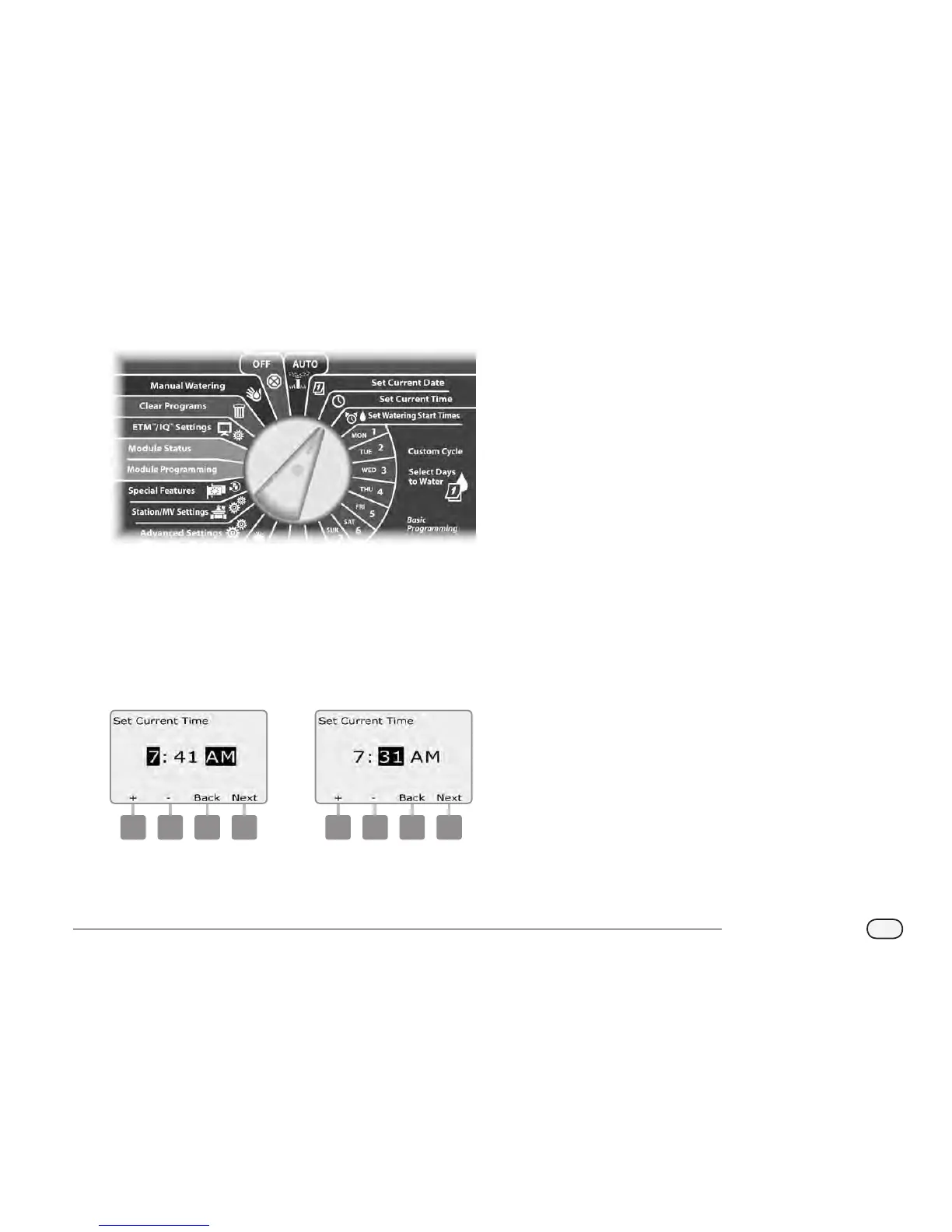
Set Current Time
Turn the controller dial to Set Current Time.
A
The Set Current Time screen appears. Press the + and – buttons to
set the current hour; then press Next.
NOTE: Be sure to set the hour correctly to either AM or PM.
Press and HOLD buttons to accelerate settings for hours and
minutes.
B
Press the + and – buttons to set the current minute; then press
Next.
1 2



 To Next Page
 Loading...











