101
ESP-LXME Controller
Re-install Front Panel
WARNING: To prevent electrical shock, make sure all supply
power is OFF before installing the front panel. Electrical shock can
cause severe injury or death.
A
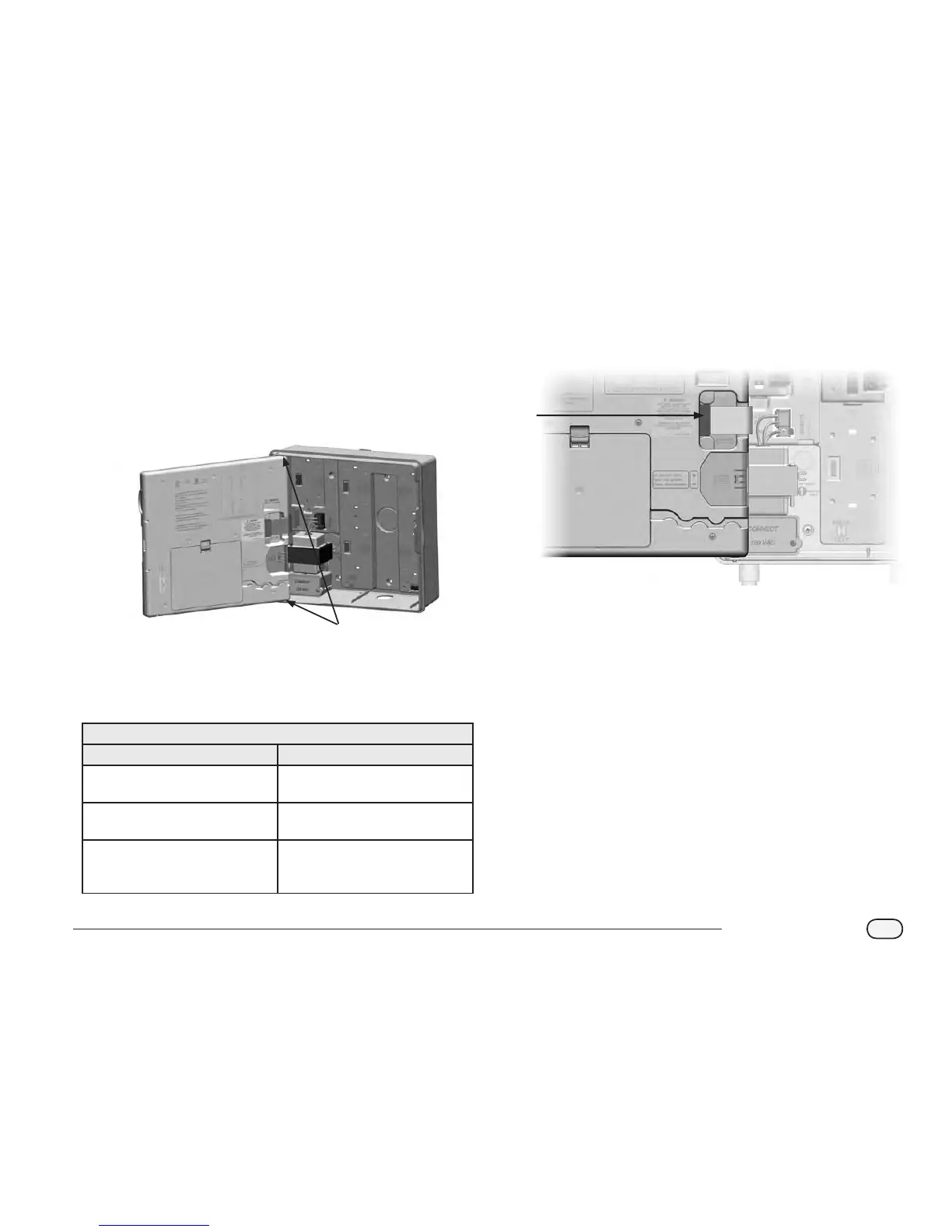
Reinstall the front panel by inserting the top corner pin into the
top pin-hole; then push up and rock the bottom corner pin into
the lower pin-hole.
1
B
Reconnect the ribbon cable to the front panel by gently pushing
the connector into the socket.
CAUTION: Be careful NOT to bend the pins in the socket.
2
C
Turn on the power source.
NOTE: The rst time you power up the controller, the display will
prompt you to select the language you wish to use. See Section F,
Set Language for more details.
Wiring Connections
120 VAC (US) 230 VAC (International)
Black supply wire (hot) to the black
transformer wire
Black supply wire (hot) to the black
transformer wire
White supply wire (neutral) to the
white transformer wire
Blue supply wire (neutral) to the
blue transformer wire
Green supply wire (ground) to the
green transformer wire
Green-with-yellow-stripe supply
wire (ground) to the green-with-
yellow-stripe transformer wire



 To Next Page
 Loading...











