85
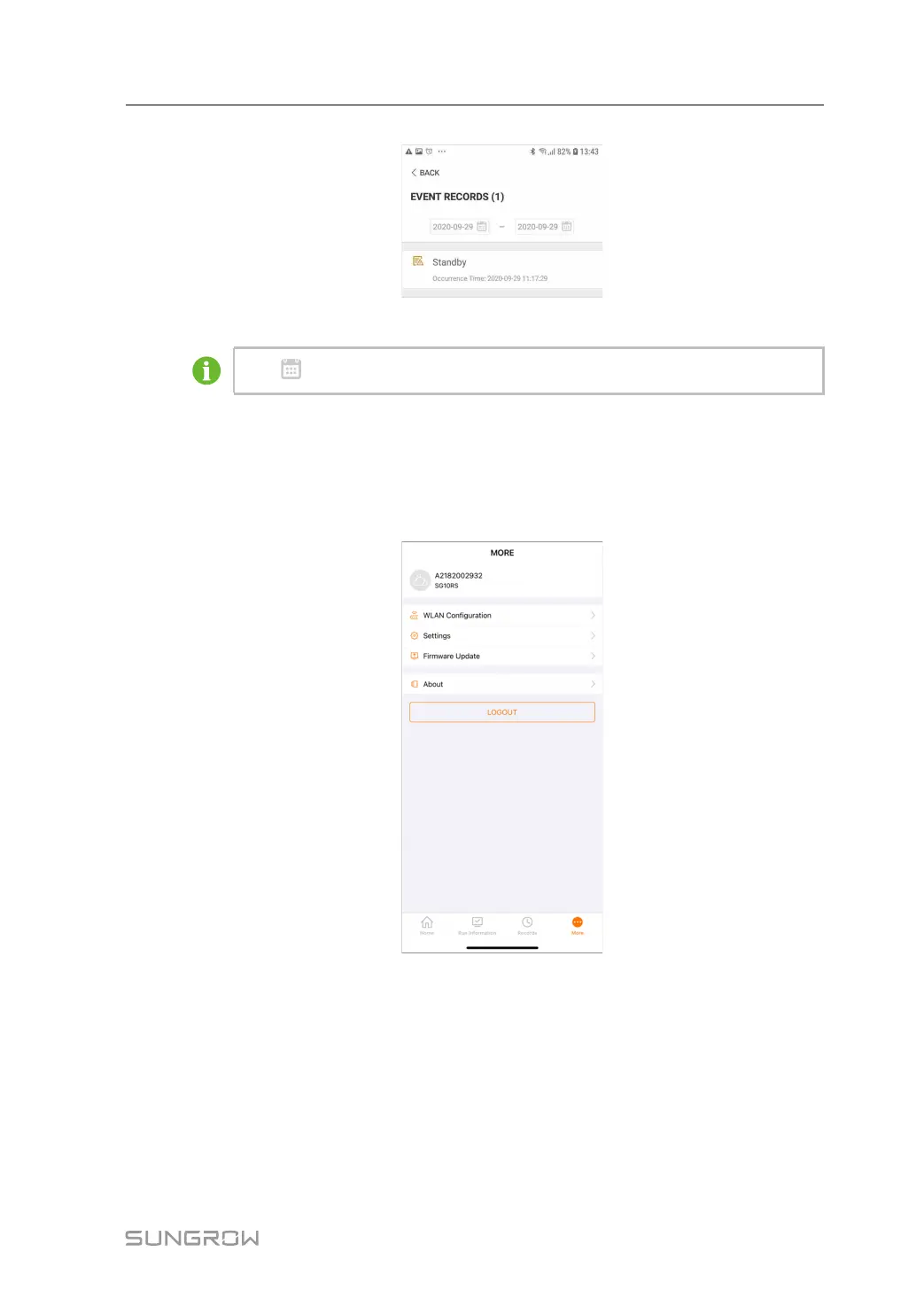
figure 7-10 Event Record
Click to select a time segment and view corresponding records.
7.10 More
Tap More on the navigation bar to enter the corresponding screen, as shown in the following
figure.
figure 7-11 More
In addition to viewing the WLAN configuration and App software version, the More screen
supports the following operations:
• Set parameters including inverter system parameters, operation parameters, power reg-
ulation parameters and communication parameters.
• Upgrade inverter firmware.
User Manual 7 iSolarCloud App


 To Next Page
 Loading...