Preparing the Camcorder
42
Removing and Attaching the Terminal Covers
You can remove the plastic covers of the following terminals and SD card slot to access them more readily.
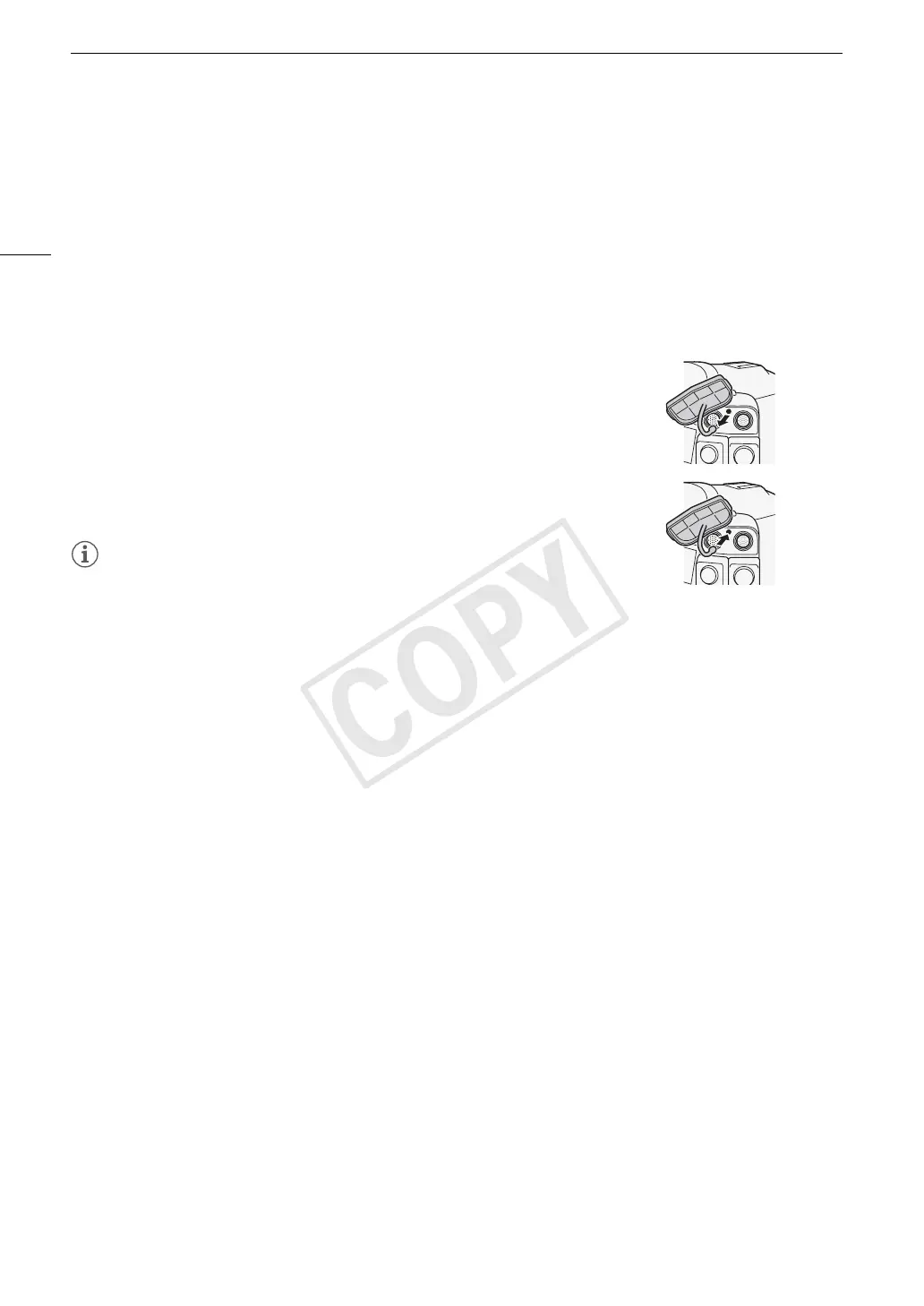
Removing the Terminal Covers
Open the terminal cover and gently pull it straight out.
Attaching the Terminal Covers
Insert the connecting strip into the opening to attach the terminal cover.
NOTES
• If the connecting strip is difficult to grasp, use a pair of tweezers or similar
tool.
• EXT 1 and EXT 2
•SYNC OUT
• GENLOCK and TIME CODE
• HD/SD SDI
• CH1 and CH2
(XLR terminals on the monitor unit)
• × (headphones)
•DC IN
•SD card slot
• REMOTE and HDMI OUT
•MIC
•WFT


 To Next Page
 Loading...