Photos
Additional
Functions
Options
[D,siNGLE)t
Records
a
single
photo.
• Default value
[~~0~r§H001.1
(C~ntinuousShooting),
[
d.
.•
HiS~~qO:~Q~lSHOqT:,
]
...
(H
ig~:S,ptie,dGQijtin,upus
Shooting);.~'
"'..
.
:,":~.-
'/:',
'.·
•..
'40it·
..
d<:,.;-~'/.:~,~
...
~~<.~~·-.··_-:
.
",
."",.,~-:
.>'''.
";.'li
Captures
a
series
of
photos
as
long
as
you
hold
I.!:HOTOj
pressed
down.
For
the
number
of
shots
per
second,
refer
to
the
sidebar
on
page
66.
P:UNc~l
0
[0
SINGLE] 0
Desired option 0
fFUNC.!
,
.J
[~l\EB]
,'N:(:/-,/;'
.,::.
The
camcorder
records
a
photo
in
three
different
exposures
(dark,
normal,
light
in
1/2
EV
steps),
allowing
you
to
choose
the
shot
you
like
the
best.
eml
(CD
25)
g
POINTS
TO
CHECK
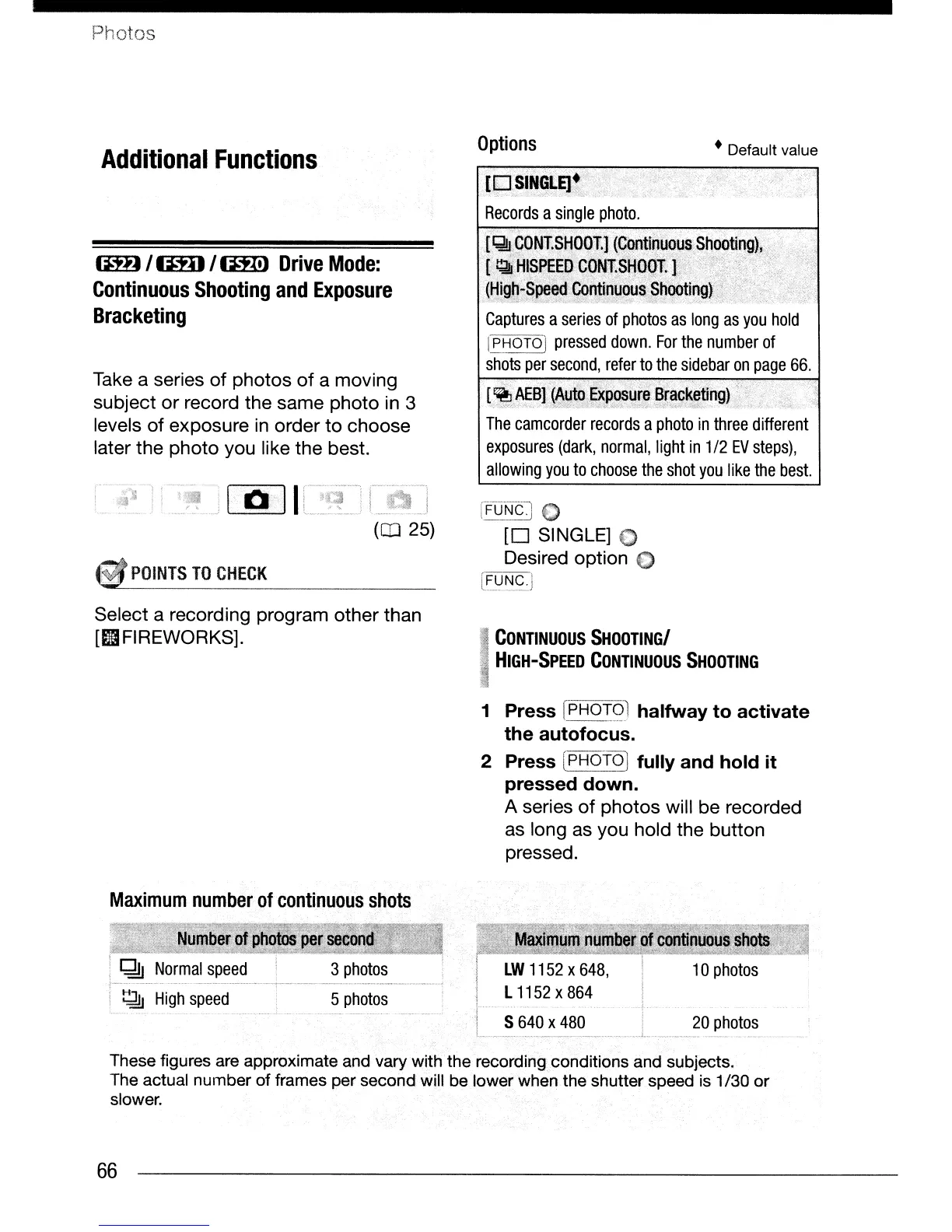
Take a series of photos
of
a moving
subject
or
record the same photo
in
3
levels of exposure
in
order to choose
later the photo you like the best.
(iH)
lima
I
(mJ
Drive
Mode:
Continuous
Shooting
and
Exposure
Bracketing
Select a recording program other than
[IIFIREWORKS].
I
CONTINUOUS
SHOOTINGI
I
HIGH-SPEED
CONTINUOUS
SHOOTING
1
Press
[pH6!2l
halfway
to
activate
the
autofocus.
2 Press
[PHOfOJ
fully
and
hold
it
pressed
down.
A series
of
photos will be recorded
as
long as you hold the button
pressed.
Maximum
number
of
continuous
shots
..
"
1.
~
Normal
speed
. .
..
--
_
~.~
_.
~
High
speed
3
photos
. _
..
_
..
-
__
..
_--~
-
5
photos
LW
1152
X
648,
I L
1152
x
864
i
I S
640
x
480
L.
20
photos
These figures are approximate and vary with
the
recording conditions and subjects.
The actual
number
of
frames per second will be lower when
the
shutter speed is 1/30
or
slower.
66


 To Next Page
 Loading...









