Frame Erase
4-41
4
Special Copying and Mail Box Features
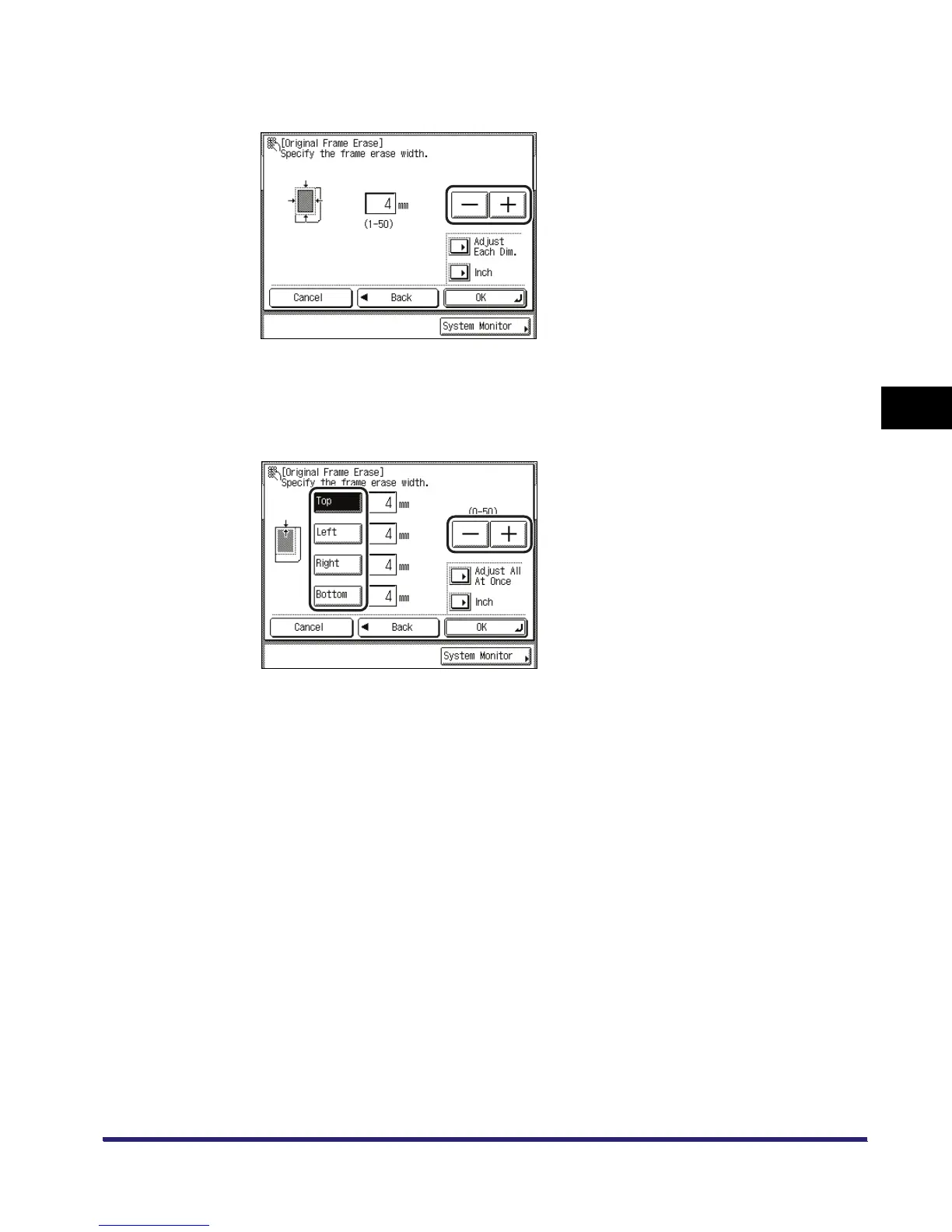
● If you want to set the same width for all four borders:
❑ Press [-] or [+] to set the frame erase width.
● If you want to set the top, left, right, and bottom widths independently:
❑ Press [Adjust Each Dim.].
❑ Select the desired frame erase borders ➞ press [-] or [+] to set their respective frame erase
widths.
To return to the screen for setting the same width for all four borders, press [Adjust All At
Once].
5
Press [OK].
The selected mode is set.


 To Next Page
 Loading...








