Dell Printer Configuration Web Tool 151
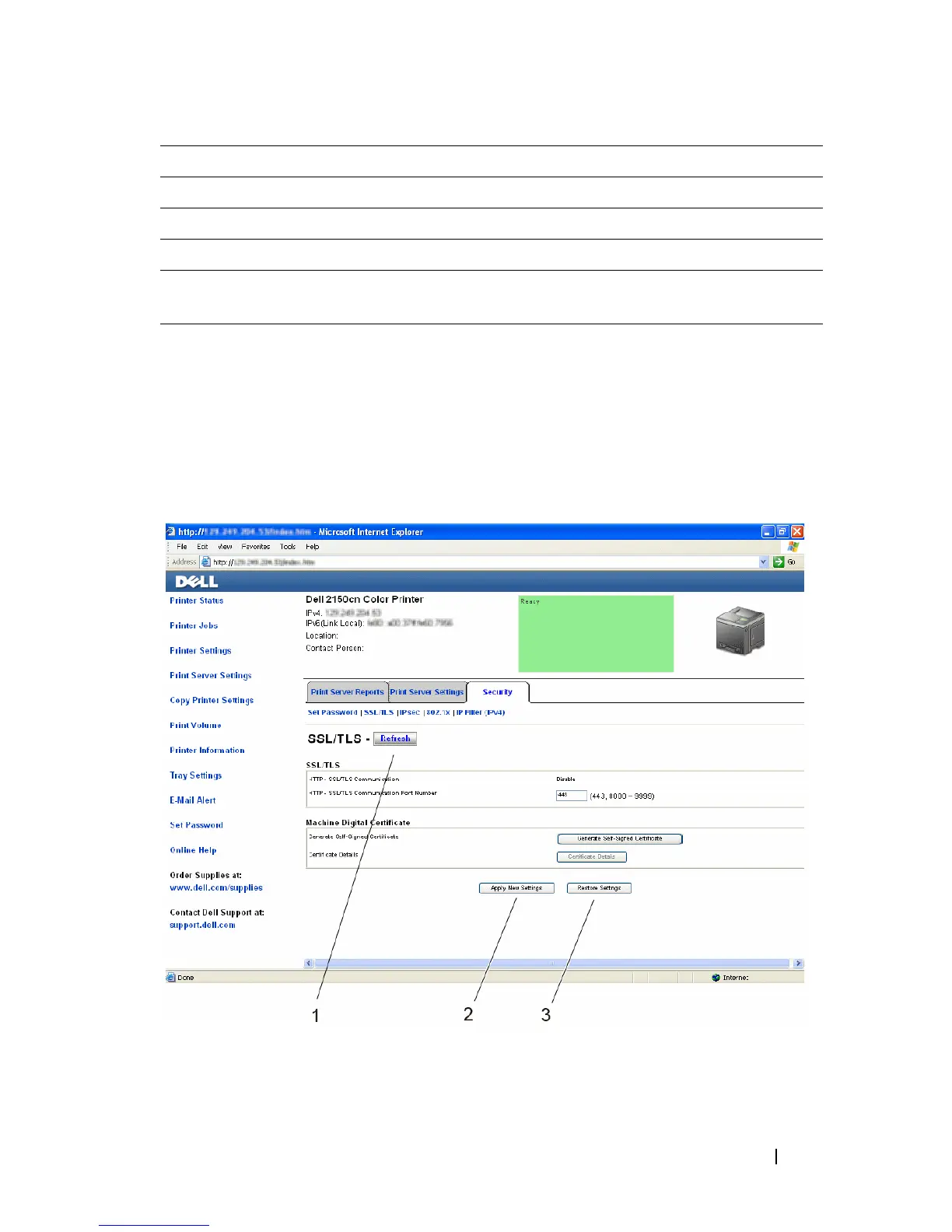
Right Frame
The right frame is located on the right side of all the pages. The contents of the
right frame correspond to the menu that you select in the left frame. For details
on the items displayed in the right frame, see "Details of the Menu Items."
Buttons in the Right Frame
9 E-Mail Alert Links to the Print Server Settings menu.
10 Set Password Links to the Security menu.
11 Online Help Links to the Dell Support website.
12 Order Supplies at: Links to the Dell web page.
13 Contact Dell
Support at:
Links to the Dell support page web address:
http://support.dell.com/


 To Next Page
 Loading...








