Maintaining Your Printer 399
Entering Values
When Using the Operator Panel
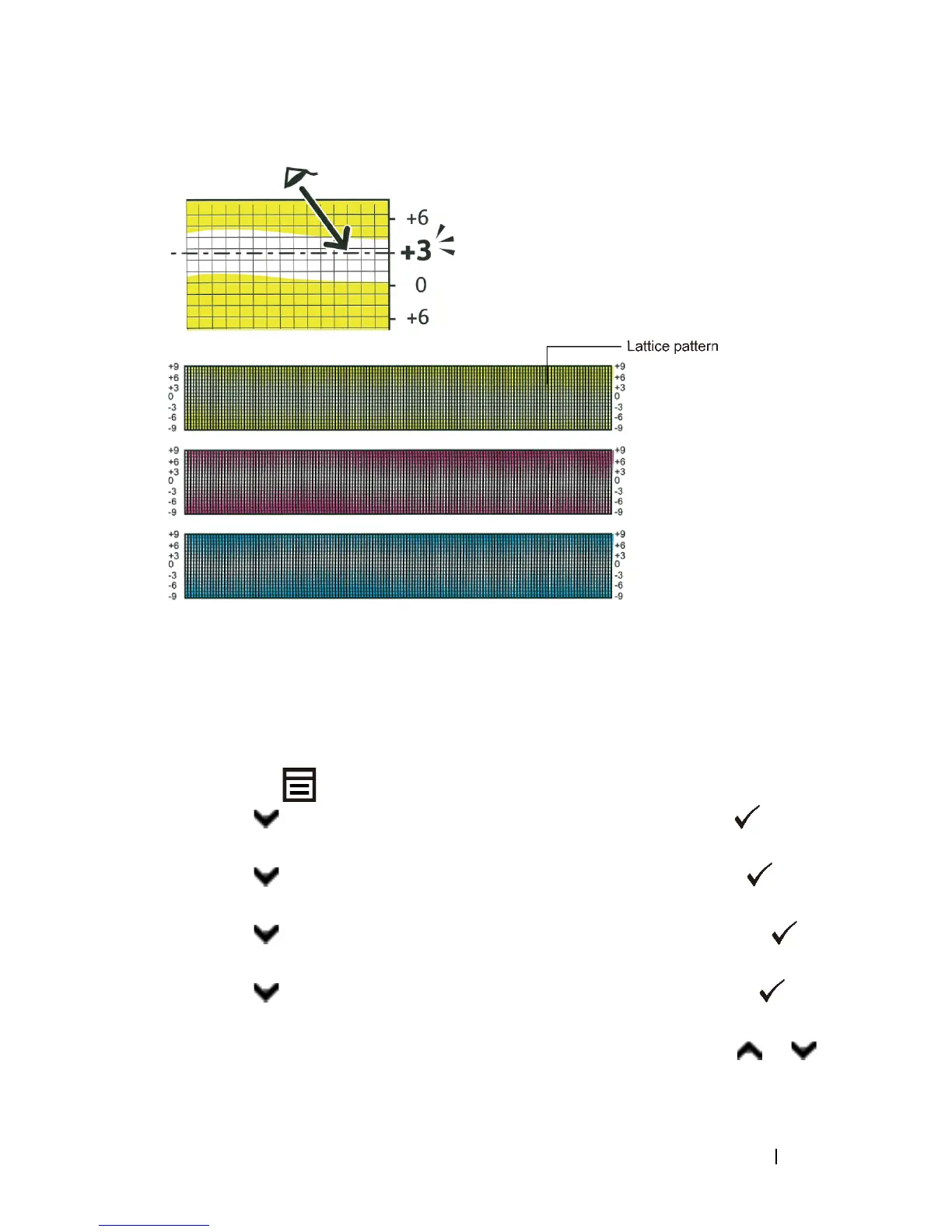
Using the operator panel, enter the values found in the color registration chart to
make adjustments.
1
Press the
(Menu)
button.
2
Press button until
Admin Menu
appears, and then press the
(Set)
button.
3
Press button until
Maintenance
appears, and then press the
(Set)
button.
4
Press button until
Color Reg Adj
appears, and then press the
(Set)
button.
5
Press button until
Enter Number
appears, and then press the
(Set)
button.
6
Ensure that the cursor is displayed at the value under
LY
and press or
button to specify the values.


 To Next Page
 Loading...








