84 Setting the IP Address
FILE LOCATION: C:\Users\fxstdpc-
admin\Desktop\0630_UG??\Mioga_SFP_UG_FM\Mioga_SFP_UG_FM\section08.fm
DELL CONFIDENTIAL – PRELIMINARY 9/13/10 - FOR PROOF ONLY
3
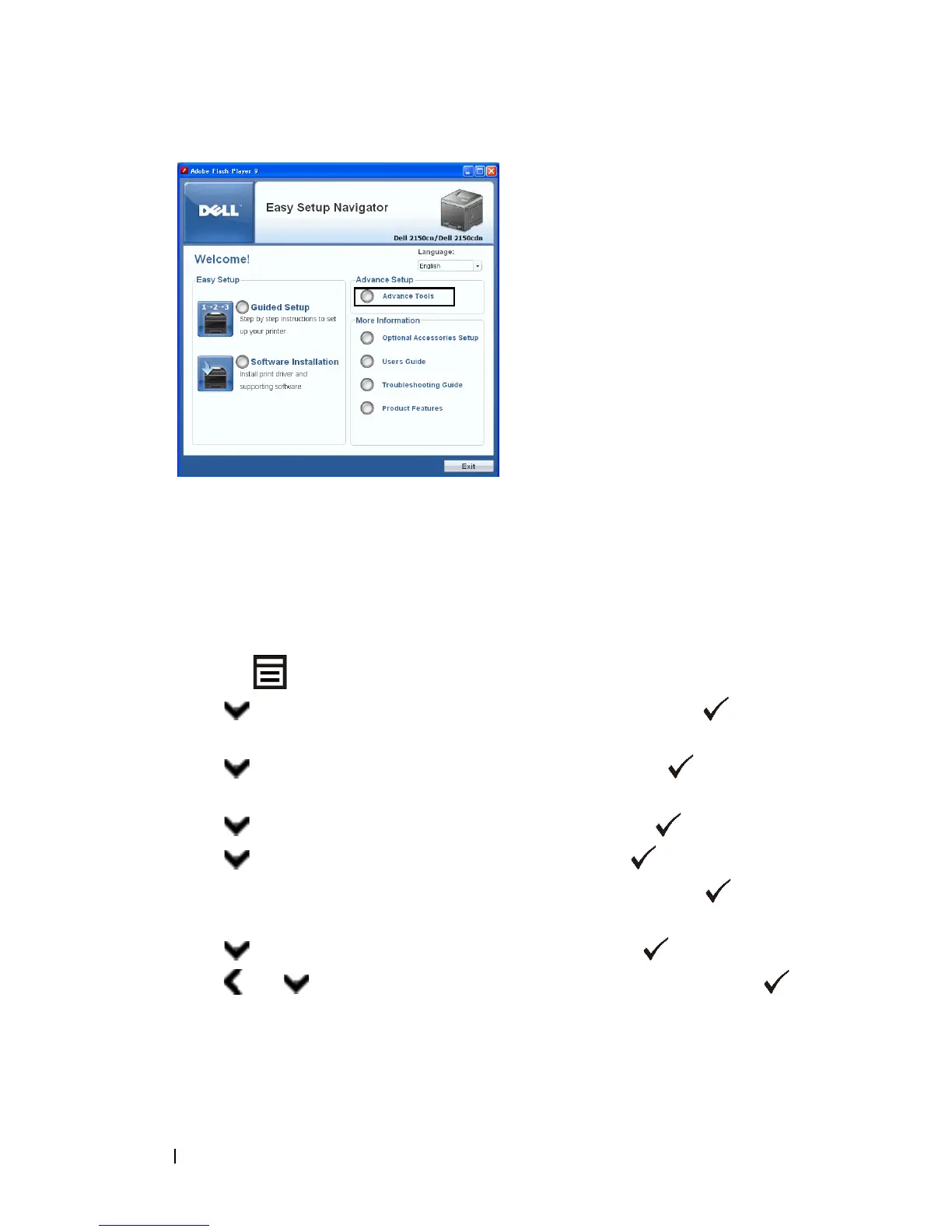
Click
IP Configuration
.
4
Follow the instructions displayed on the screen.
When Using the Operator Panel
For more information on using the operator panel, see
"
Operator Panel.
"
1
Turn on the printer.
2
Press the
(Menu)
button.
3
Press button until
Admin
Menu
appears, and then press the
(Set)
button.
4
Press button until
Network
appears, and then press the
(Set)
button.
5
Press button until
TCP/IP
appears, and then press the
(Set)
button.
6
Press button until
IPv4
appears, and then press the
(Set)
button.
7
Ensure that
Get IP Address
is displayed, and then press the
(Set)
button.
8
Press button until
Panel
appears, and then press the
(Set)
button.
9
Press and buttons until
IP Address
appears, and then press the
(Set)
button.
The cursor is located at the first octet of the IP address.


 To Next Page
 Loading...








