450 Troubleshooting Guide
FILE LOCATION: C:\Users\fxstdpc-
admin\Desktop\0630_UG??\Mioga_SFP_UG_FM\Mioga_SFP_UG_FM\section28.fm
DELL CONFIDENTIAL – PRELIMINARY 9/13/10 - FOR PROOF ONLY
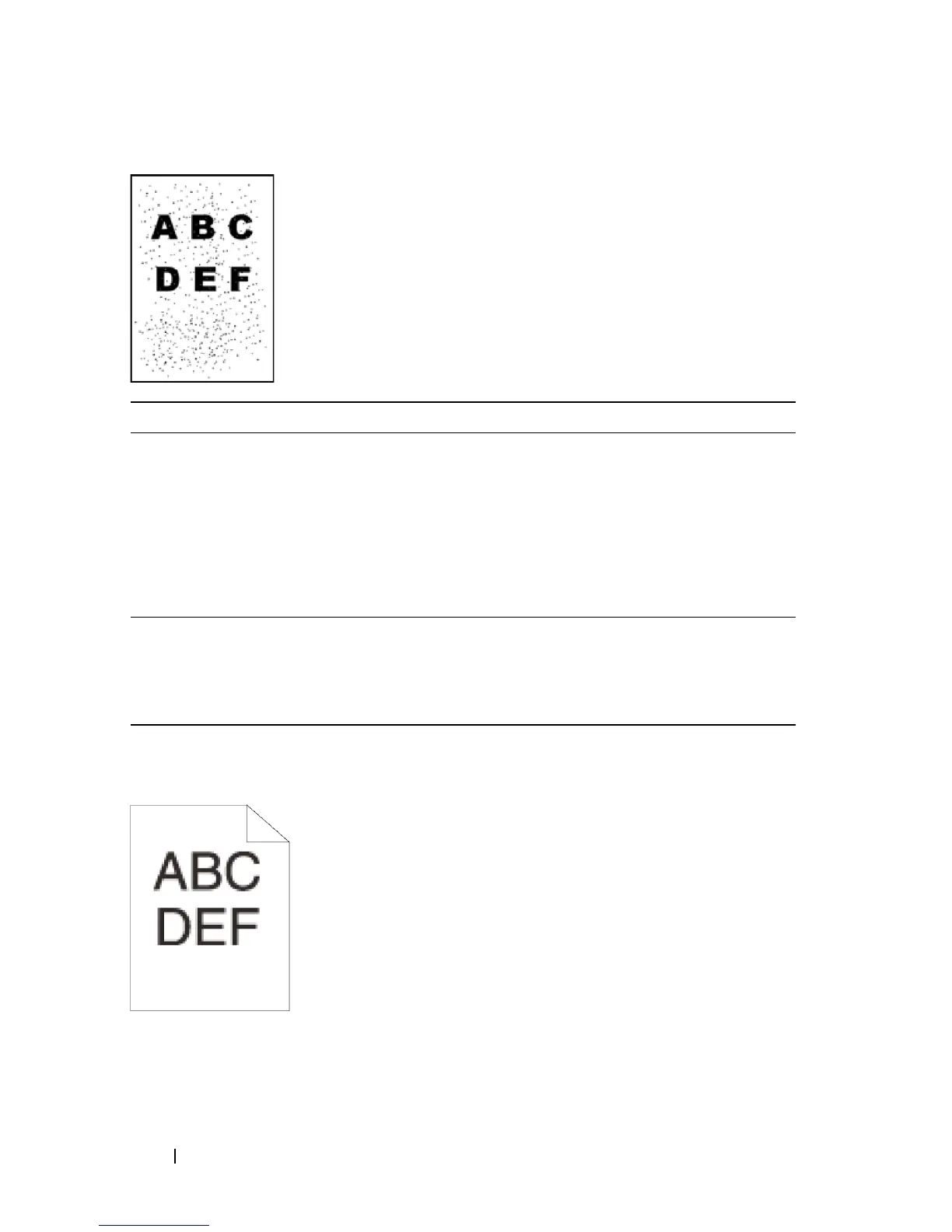
Jagged characters
Action Yes No
1 If the printer is installed in a high altitude
location, set the altitude of the location.
a
Launch the Tool Box, and click
Adjust
Altitude
on the
Printer Maintenance
tab.
b
Select the value close to the altitude of the
location where the printer is installed.
Does this solve your problem?
The task is
complete.
Go to action 2.
2 Replace the PHD unit if you have a spare unit.
See "
Replacing the Print Head Device (PHD) Unit
"
and "
Installing a PHD Unit
."
Does this solve your problem?
The task is
complete.
Contact Dell.


 To Next Page
 Loading...








