458 Troubleshooting Guide
FILE LOCATION: C:\Users\fxstdpc-
admin\Desktop\0630_UG??\Mioga_SFP_UG_FM\Mioga_SFP_UG_FM\section28.fm
DELL CONFIDENTIAL – PRELIMINARY 9/13/10 - FOR PROOF ONLY
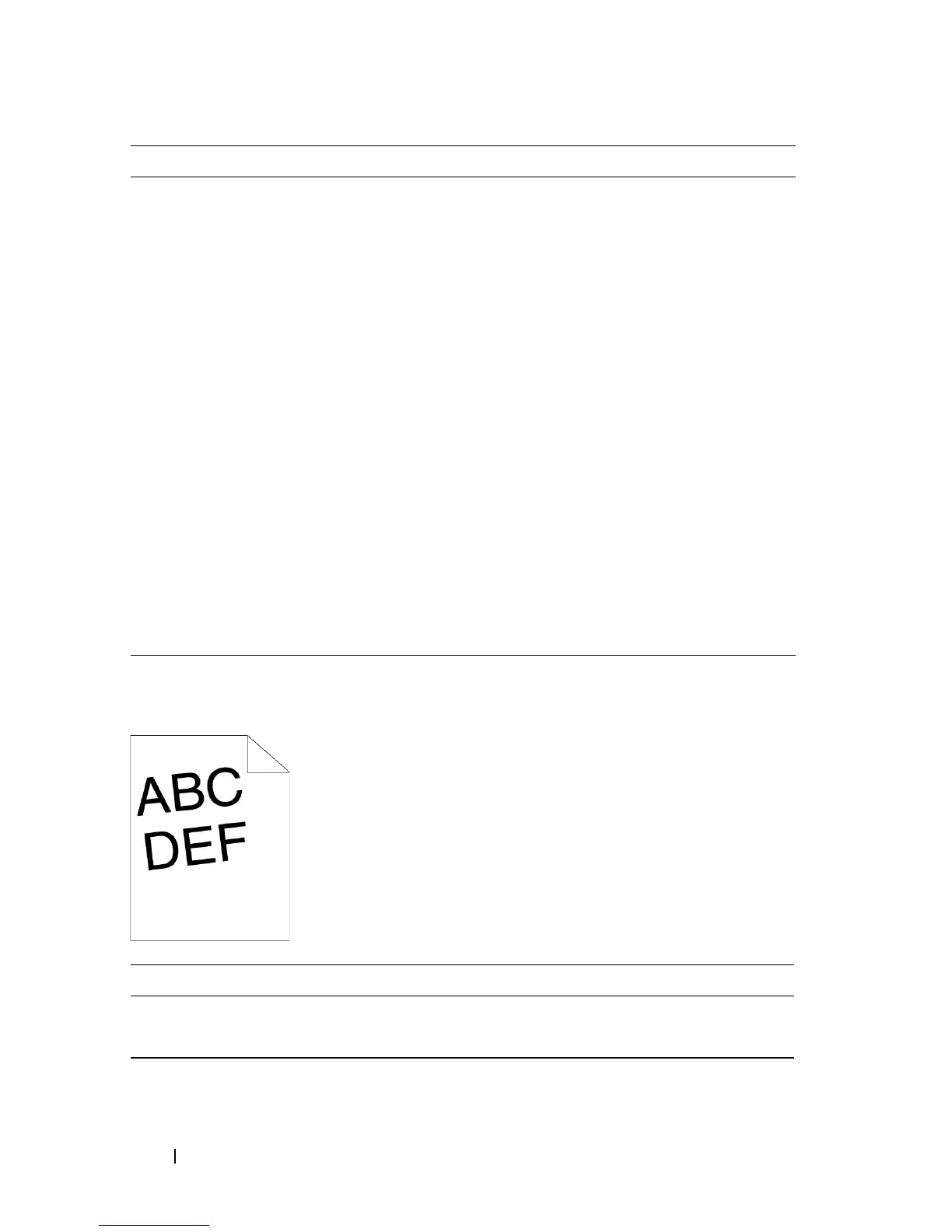
Images are skewed
Standard 250-Sheet Tray Misfeed Jam
3b Print the Color Regi Configuration Chart and
manually correct the color registration.
a
Launch the Tool Box, and click
Color
Registration Adjustment
on the
Printer
Maintenance
tab.
b
C
lick the
Start
button under
Print Color
Regi Chart
.
The Color Regi Configuration Chart is
printed.
c
Identify the offset values from the chart and
enter them in
Color Registration
Adjustment (Process)
and
Color
Registration Adjustment (Left)
. See
"Adjusting Color Registration" for details.
d
Click the
Apply New Settings
button.
e Click the
Start
button under
Print Color
Regi Chart
to print the Color Regi
Configuration Chart again.
Does this solve your problem?
The task is
complete.
Contact Dell.
Action Yes No
1 Adjust the paper guides properly.
Does this solve your problem?
The task is
complete.
Contact Dell.
Action Yes No


 To Next Page
 Loading...








