Maintaining Your Printer 387
3
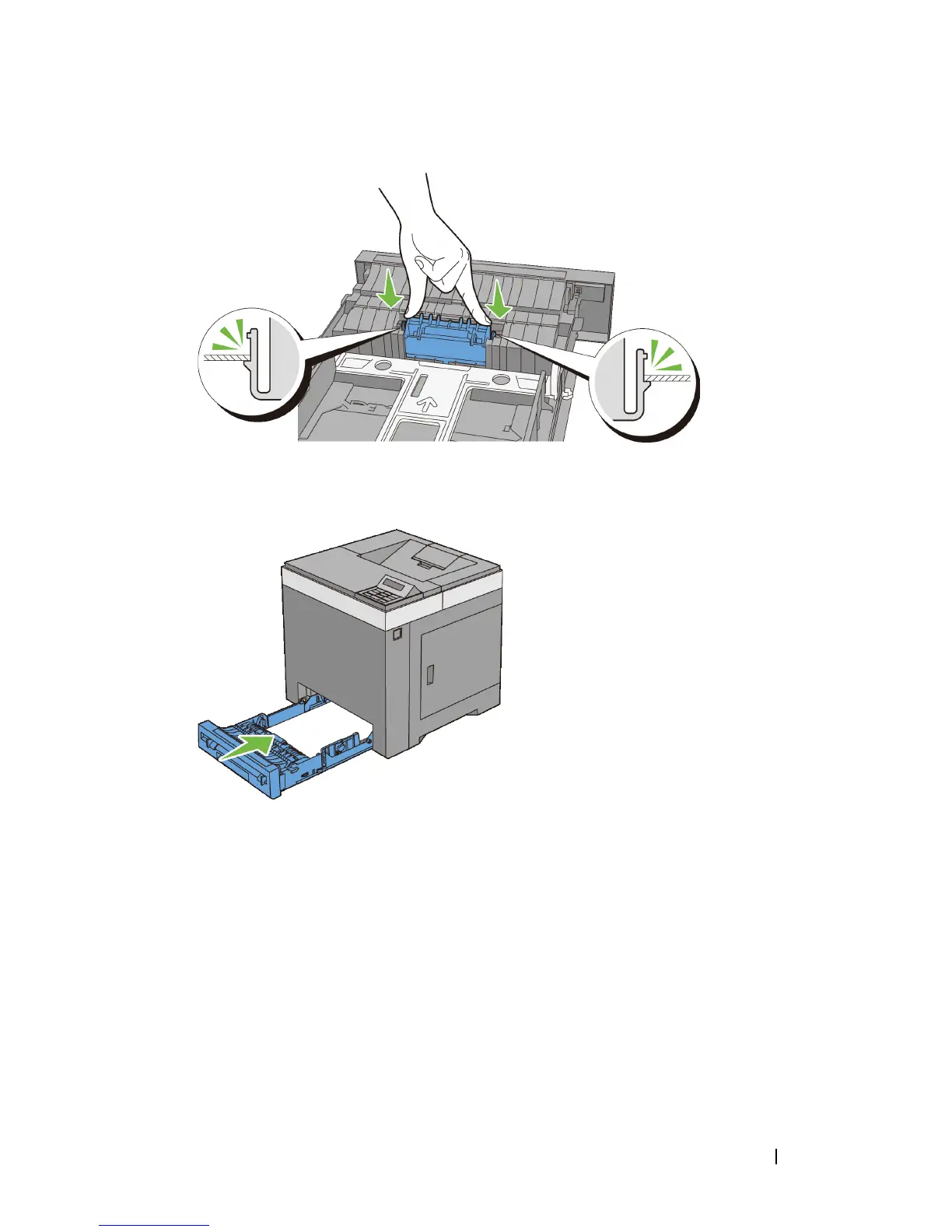
Load paper in the standard 250-sheet tray, and then insert the tray into the
printer and push until it stops.
Cleaning Inside the Printer
Cleaning the Feed Roller
Clean the feed roller inside the printer if print media does not feed correctly.
1
Ensure that the printer is turned off.
2
Pull the standard 250-sheet tray out of the printer about 200 mm. Hold the
standard 250-sheet tray with both hands, and remove it from the printer.


 To Next Page
 Loading...








