Maintaining Your Printer 377
Replacing the Print Head Device (PHD) Unit
CAUTION: Before performing any of the following procedures, read and follow
the safety instructions in your Product Information Guide.
NOTICE: Protect the drums of the Print Head Device (PHD) against bright light.
If the front cover remains open for more than three minutes, print quality may
deteriorate.
NOTICE: Ensure nothing touches or scratches the surface (black-colored film) of
the belt unit. Scratches, dirt, or oil from your hands on the film of the belt unit may
reduce print quality.
Removing the PHD Unit
1
Ensure that the printer is turned off.
2
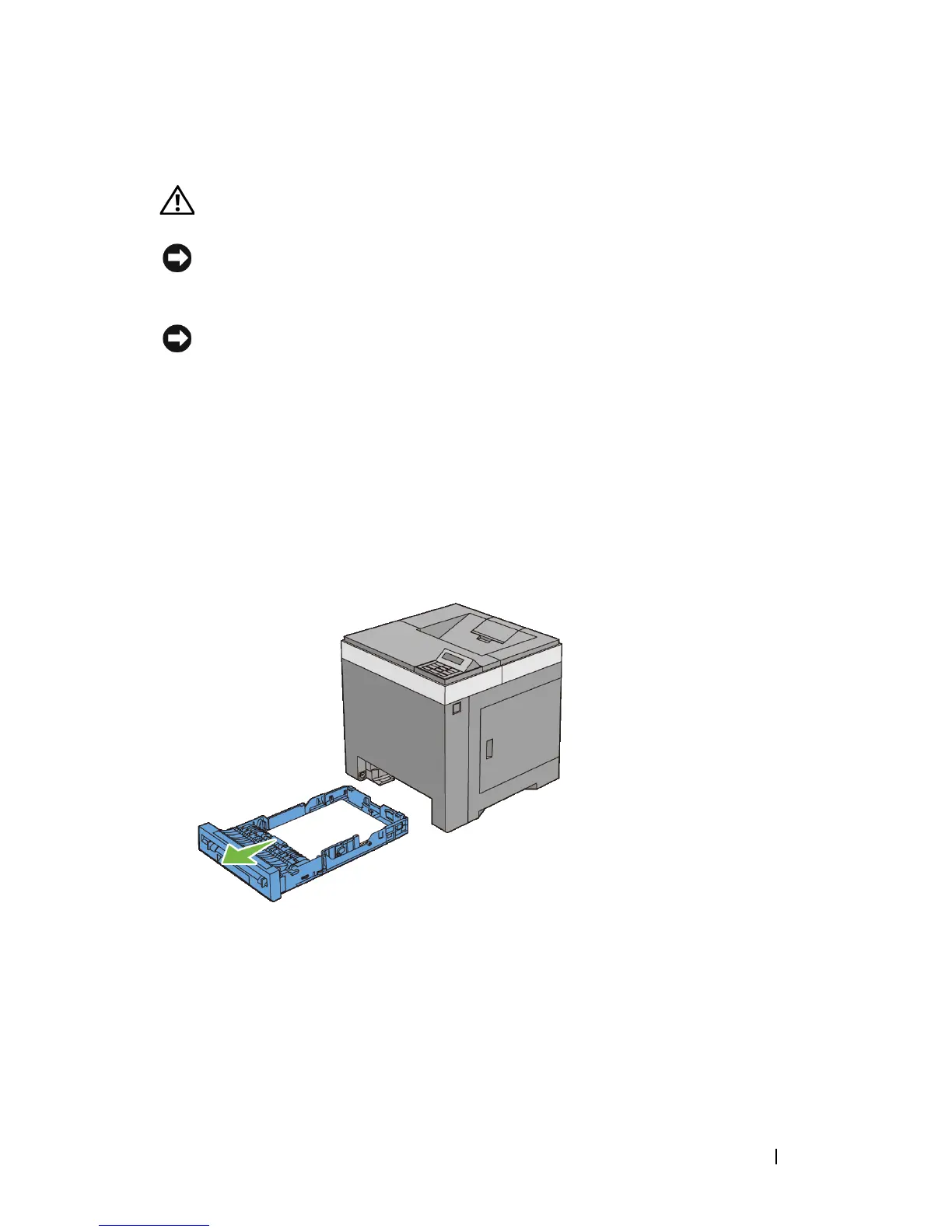
Pull the standard 250-sheet tray out of the printer about 200 mm. Hold the
standard 250-sheet tray with both hands, and remove it from the printer.
3
Push the side button to open the front cover.



 To Next Page
 Loading...







