1. OPERATIONAL OVERVIEW
1-73
1.50 How to Interpret the ALERT Box
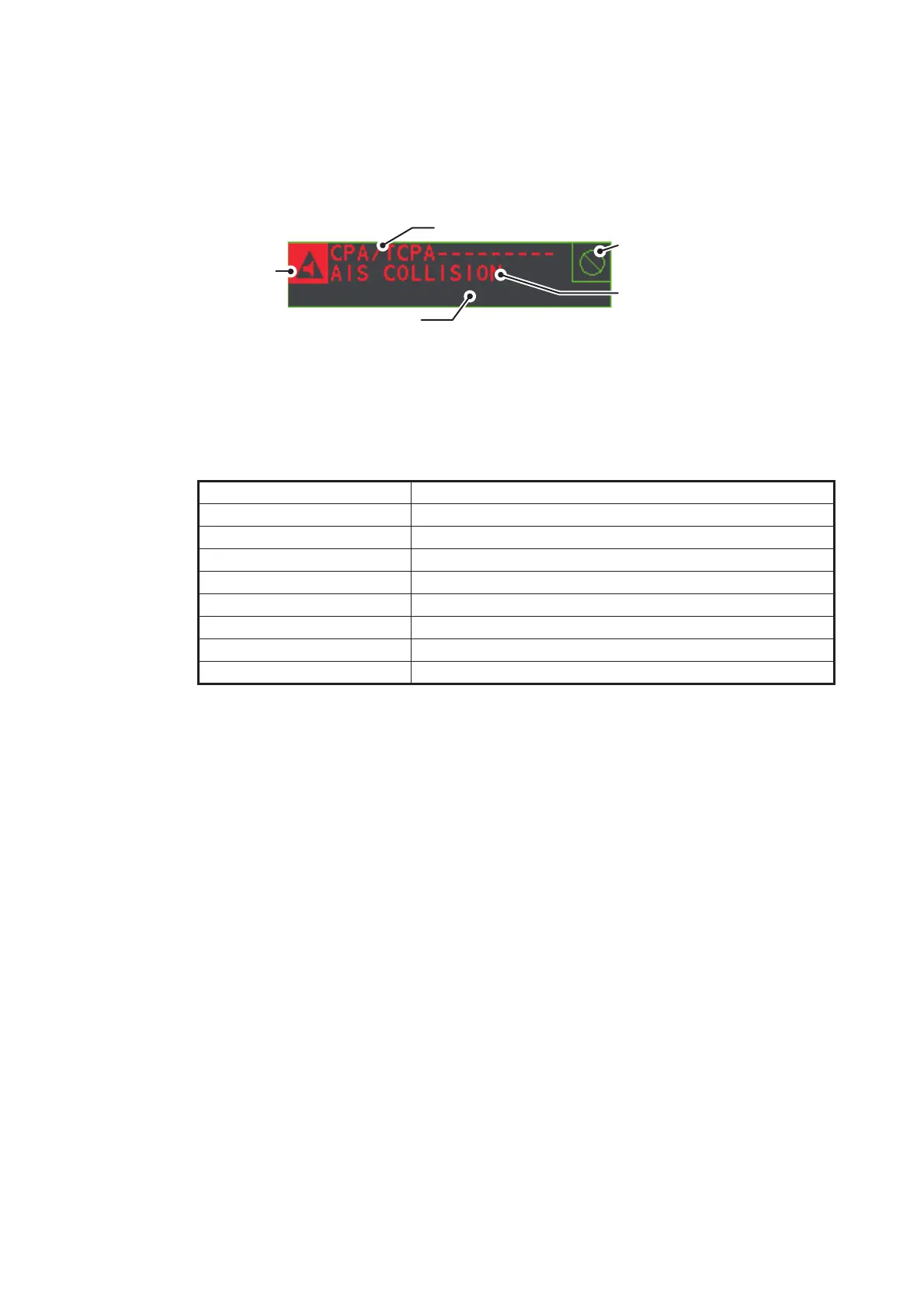
When an alert condition is found, the applicable alert message appears in the [ALERT]
box. A buzzer sounds for alarm and warning alerts. The [ALERT] box is composed of
three lines of information, and two icons, as shown below.
Silence the buzzer with the ALERT ACK key or select the [ALERT] box then press the
left button. The buzzer and the flashing stop but the alert indication remains on the
display until the reason for the alert is removed.
Status indications are displayed in yellow text. The displayable indications are listed
in the table below.
1.50.1 Alert descriptions
Alerts which can appear on this radar are listed in the table. The level of priority, from
highest to lowest, is ALARM o WARNING o CAUTION. For detailed information re-
garding specific alerts and alert codes, including possible remedies, see "ALERT
CODES, MESSAGES AND MEANINGS" on page AP-10.
Note: All active-unacknowledged warnings are repeated as warnings after 60 sec-
onds (manufacturer’s fixed time period).
Status indication Reason for display
AUTO VIDEO ADJ Video adjust ([VIDEO ADJ]) is set to [AUTO].
PM Performance Monitor (PM) is ON.
SART SART is ON.
TUNE INITIALIZE TUNE INITIALIZE is ON.
VIRTUAL AIS ATON:OFF [AIS VIRTUAL ATON] is OFF.
WR CARD DATA Writing data to SD-card.
RD CARD DATA Reading data from SD-card.
DELETE CARD DATA Deleting data from SD-card.
Buzzer silence
icon
Alert description
Alert title
lert icon
Status indications appear here


 To Next Page
 Loading...





