Page 20 Manual
A.9 Transportation Locks
A.9.1 Removing the transportation locks
Attention
The transportation locks have to be removed before initial start-up
of the device!
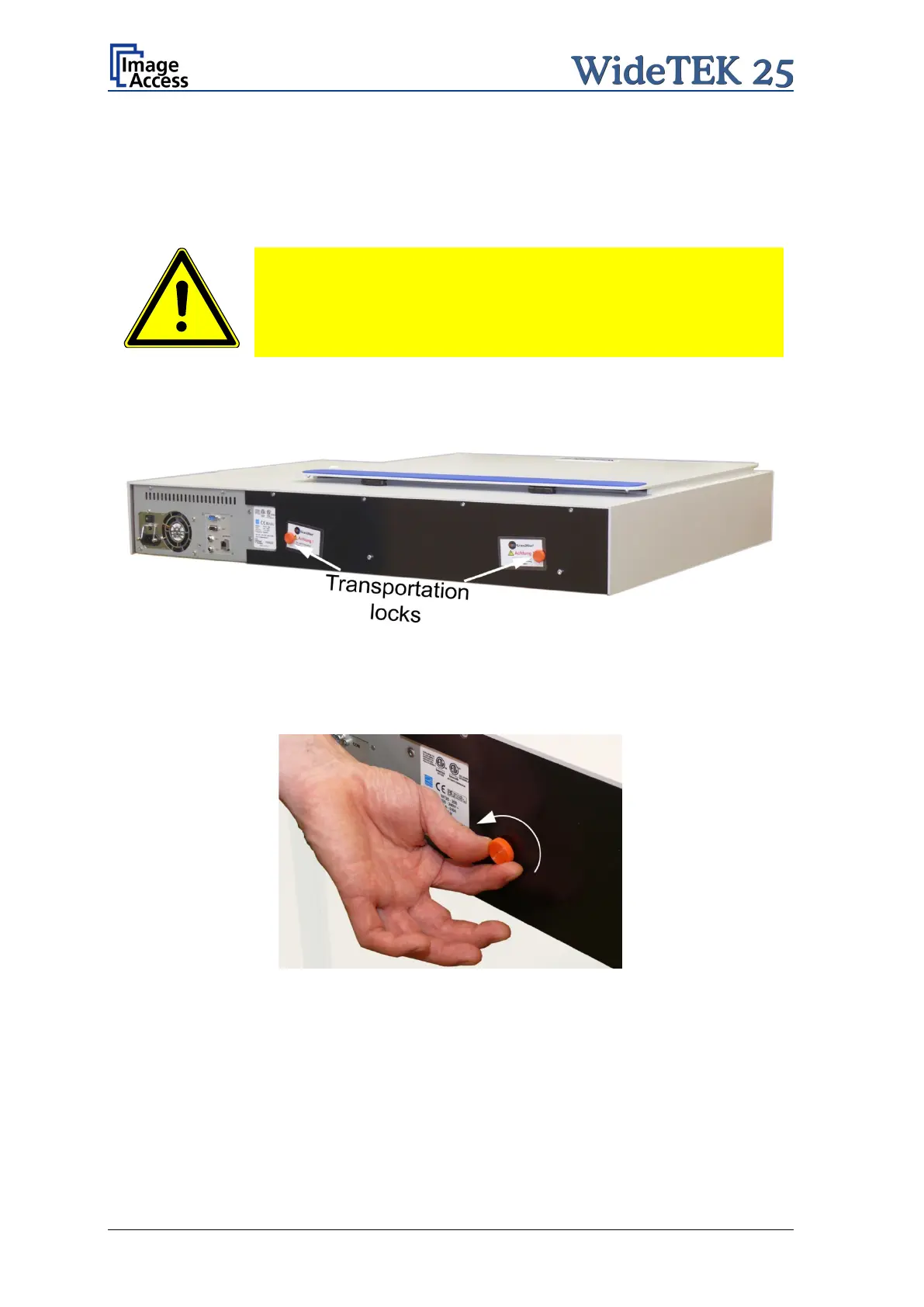
The transportation locks are located at the back of the scanner. A label marks each
transportation locks.
Picture 3: Position of transportation locks
Turn the transportation lock counterclockwise to remove it.
Picture 4: Removing the transportation lock
Important: Keep the transport locks for future use!
The transportation locks must be inserted before every transport. This will prevent the
sensitive components inside the camera box unit against damages.



 To Next Page
 Loading...





