Manual Page 29
A.12.6.2 White Balance
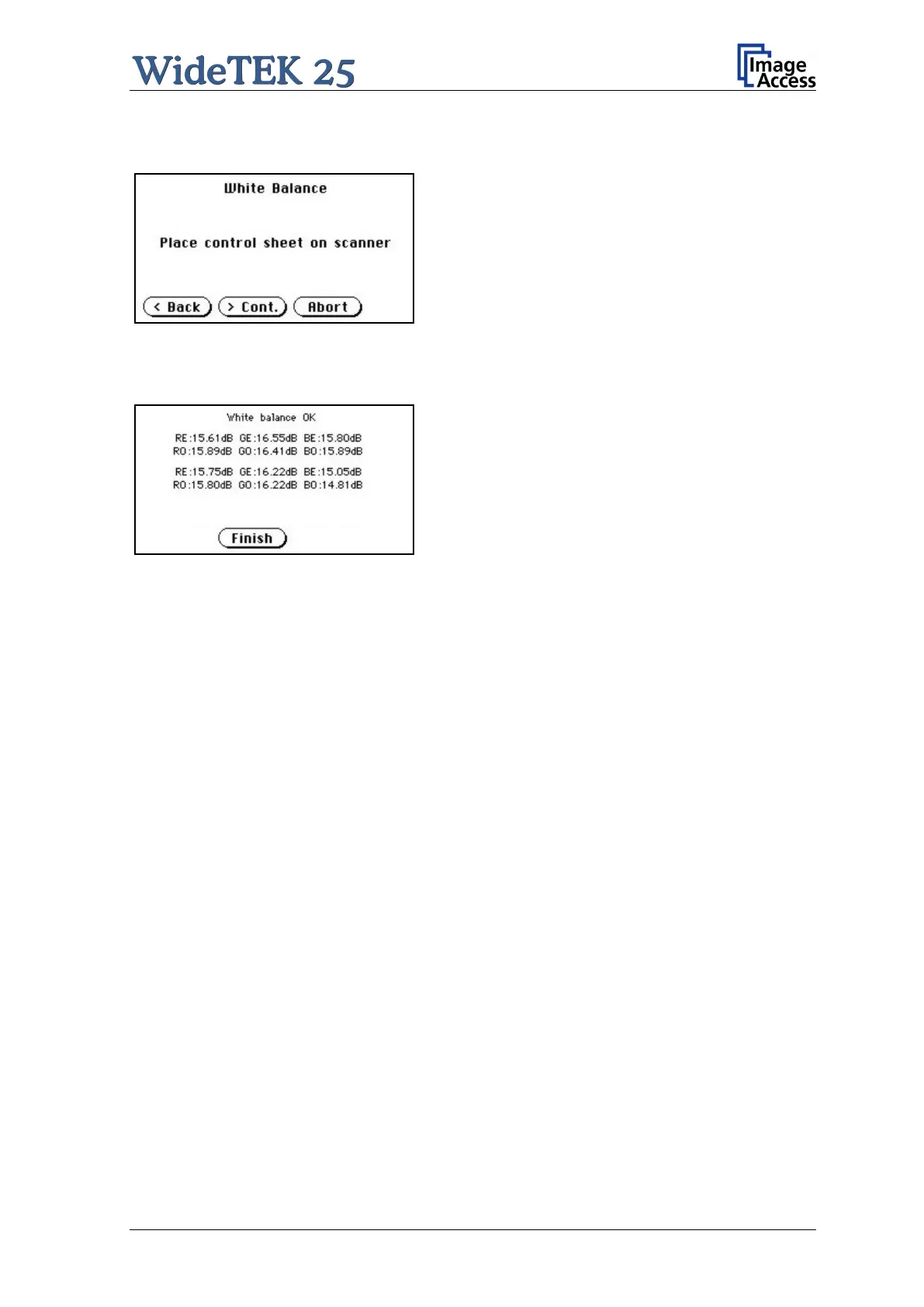
Picture 17: Place the control sheet
Touch the White Balance button to start the
white balance measurement sequence. Place the
white reference sheet on the upper edge of the
glass plate. The white reference sheet must
cover the complete width of the glass plate. Then
touch the Cont. button.
The measurement lasts a short time.
The Abort button returns to the previous screen
if the white balance measurement should not be
executed.
Picture 18: Results of White Balance
Test
After the white balance has been finished, the
result is displayed
Touch the Finish button to return to the
Self Test 1 screen.
A.12.6.3 Lamp On / Off
Touch the Lamp On / Off button to switch the lamps on. As long as the button is touched,
the lamps will shine.
A.12.6.4 Exit Selftest
Touching Exit Selftest finalizes the setup mode, switches to the operation mode and
shows the start menu.



 To Next Page
 Loading...





