Appendix A: Java Download and Install Guide
NOTE: To run Java applications you must have Java Runtime Environment (JRE)
version 6.0 and above installed in your PC/laptop.
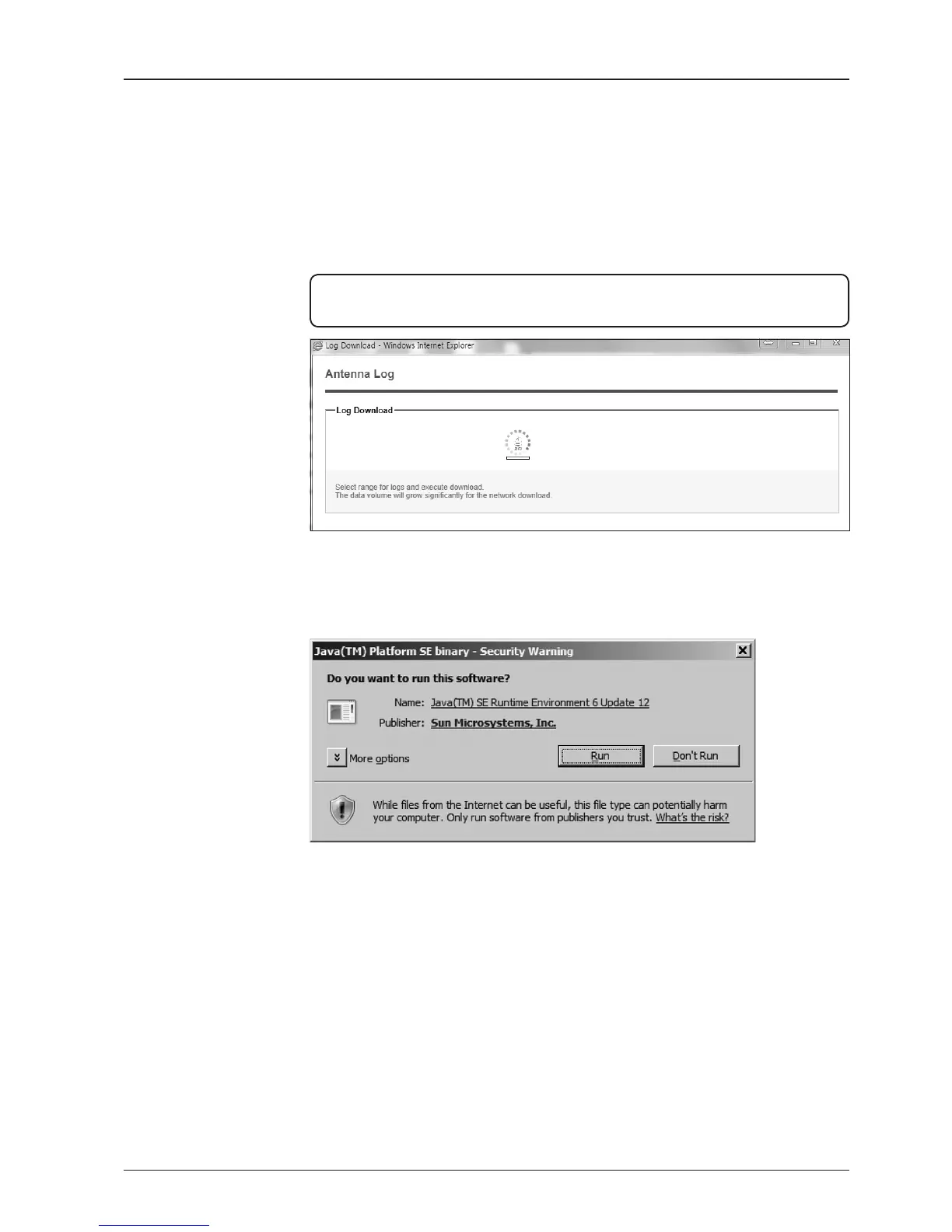
If JRE has not been installed in your PC/laptop, you’ll get the below message box.
Click Run button to install it through online or ofine download and install methods.
After installing JRE, Java Applet will be executed automatically when you access
the Antenna Log page.



 To Next Page
 Loading...










