Quick
Start
Guide
Acquiring
GPS
signal
How
To
Reset Your
Unit
The
first time
you
turn
on
this unit,
you
must
wait while the
system
acquires
satellite
signals
for the first time.
This
process
could
take
up
to
several
minutes.
Make
sure
your vehicle
is
outdoors
in
an
open
area
away
from tall
bUildings
and
trees
for
fastest
acquisition.
After the
system
acquires
satellites for the first
time, it will acquire satellites qUickly
each
time
thereafter.
If
the
unit
or
the
connected
unit
fails
to
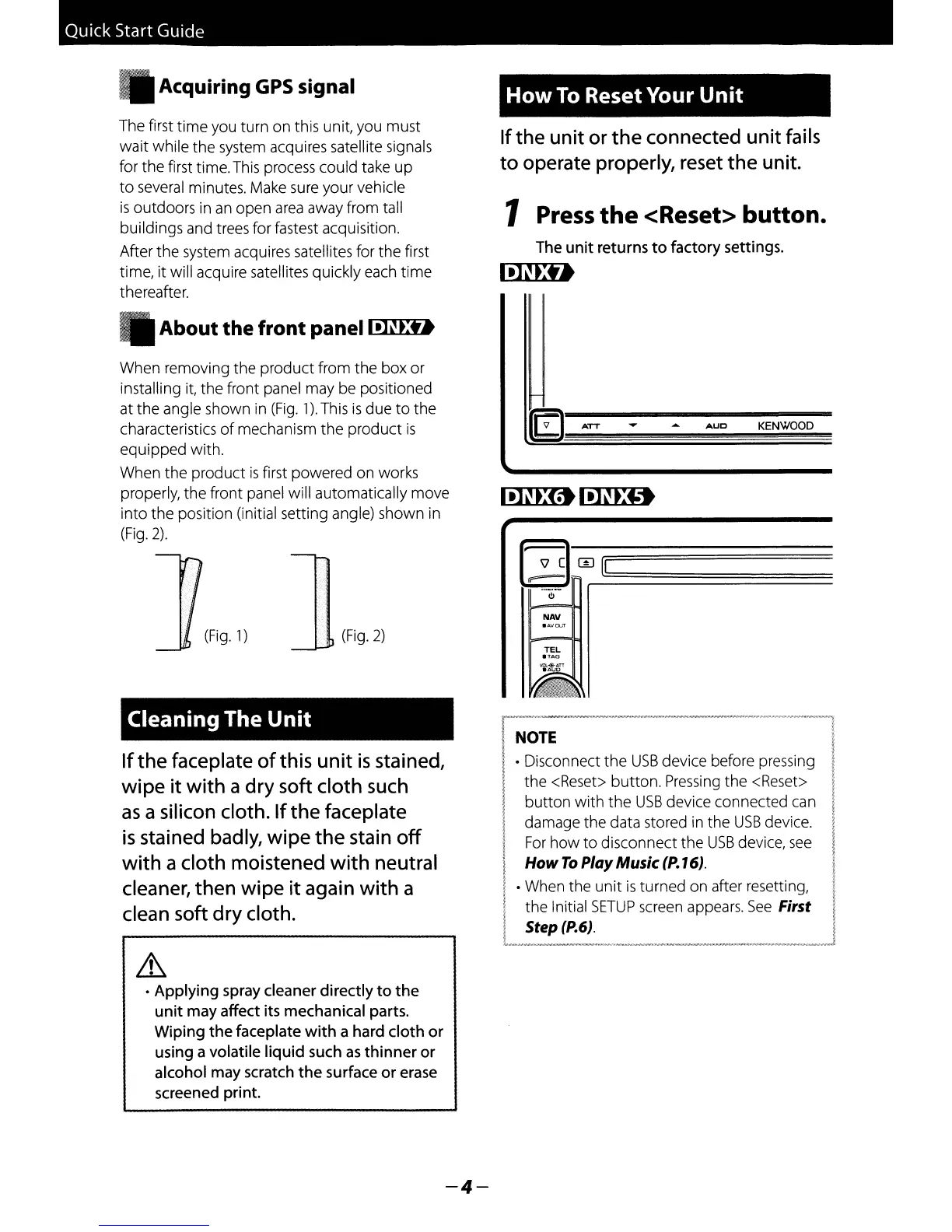
operate properly, reset the unit.
1 Press
the
<Reset> button.
The
unit
returns
to
factory settings.
IillED
About
the
front
panell.]~.:t.
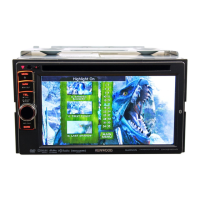
When
removing the product from the box or
installing
it,
the front panel
may
be
positioned
at
the angle shown
in
(Fig.
1).
This
is
due to the
characteristics
of
mechanism the product
is
equipped with.
When
the product
is
first powered
on
works
properly, the front
panel
will automatically move
into the position (initial setting angle) shown
in
(Fig.
2).
NAV
KENWOOD
AUO
~
ATT
f
~
CI-;m~[1
;:;;;;;;;;:;;;;;;;;;:;;;;;;;;;;:;;;;;;;;;;:;;;;;;;;;;:;;;;;;;;~;;:;
rr--
l!J
TEL
.TAG
vt;l.-@-ATT
~
~
(Fig.
2)
(Fig.
1)
Cleaning
The
Unit
If
the faceplate
of
this
unit
is
stained,
wipe
it
with
a
dry
soft cloth such
as
a silicon cloth.
If
the faceplate
is
stained badly, wipe
the
stain
off
with
a cloth moistened
with
neutral
cleaner, then wipe
it
again
with
a
clean soft
dry
cloth.
NOTE
• Disconnect the
USB
device before
pressing
the
<Reset>
button.
Pressing
the
<Reset>
button with the
USB
device connected
can
damage the data stored
in
the
USB
device.
For
how to disconnect the
USB
device,
see
How
To
Play
Music (P.16).
•
When
the unit
is
turned
on
after resetting,
the Initial
SETUP
screen
appears.
See
First
Step
(P.6).
Lh
•
Applying
spray cleaner
directly
to
the
unit
may affect its mechanical parts.
Wiping
the
faceplate
with
a hard
cloth
or
using a volatile
liquid
such
as
thinner
or
alcohol may scratch
the
surface
or
erase
screened print.
-4-


 To Next Page
 Loading...