Chapter 6 Adjustment
6-9
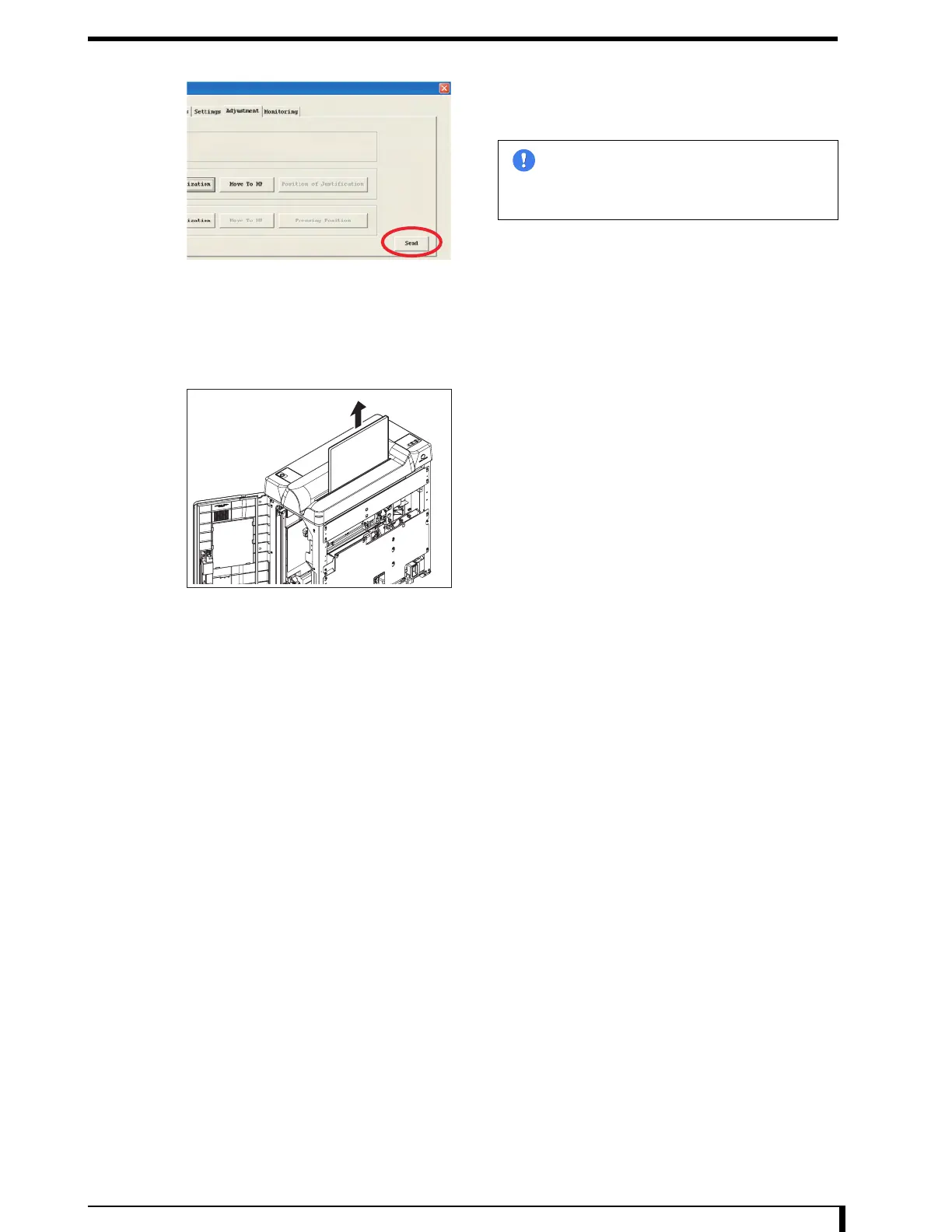
12 Click the [Send] button once the step is within the
specified value.
Selected amount of justification will be set.
13 Eject the cassette.
1. Click the [Move to HP] button.
The cassette will be released from the fixing by the
justifier guide.
2. Eject the cassette from the insertion slot.
The cassette cannot be ejected automatically, so push
up the cassette with your hand from the second front
side.
14 End the service tool.
15 Turn the power OFF.
16 Pull out the interlock release key.
17 See " Installation Procedures (Page 5-8)" in "5.2.3 Removing/Installing the Exterior Panel
and Insertion Unit" to install the first front panel.
Im
ortant
Adjustment amount of the last justifier
operation performed will be set. Always
perform the justifier operation with the value
to set before clicking on the [Send] button.


 To Next Page
 Loading...











