176
White Balance
A
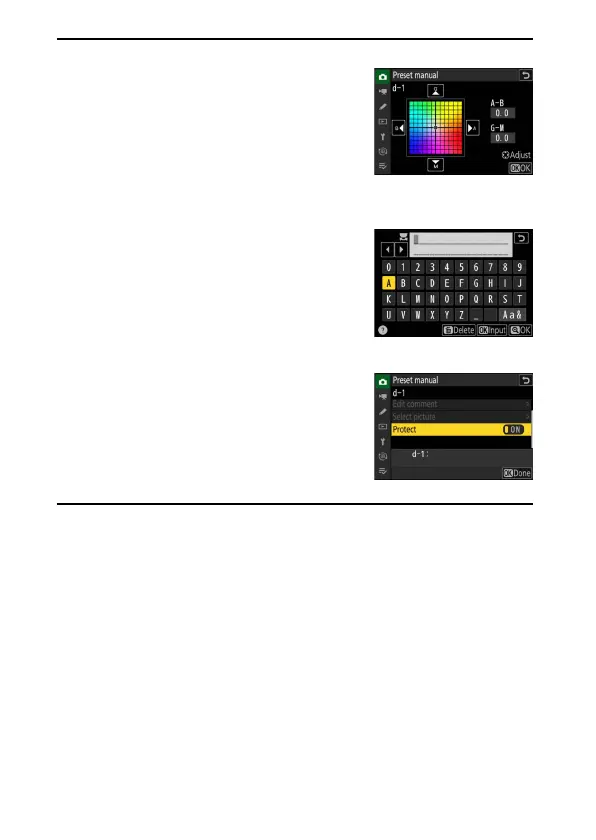
Fine-Tuning Preset Manual White Balance
The selected preset can be fine-tuned by
selecting [Fine-tune] in the preset manual white
balance menu.
A
“Edit Comment”
To enter a descriptive comment of up to 36
characters for the current white balance preset,
select [Edit comment] in the preset manual
white balance menu. Enter a comment as
described in “Text Entry” (
0
64).
A
“Protect”
To protect the current white balance preset,
select [ON] for [Protect] in the preset manual
white balance menu. The preset cannot be
modified as long as [ON] is selected for [Protect].


 To Next Page
 Loading...











