Publication 1785-UM012D-EN-P - July 2005
6-24 Communicating with Remote I/O
Addressing the I/O
Status File
During program execution you can address words and fault bits within the
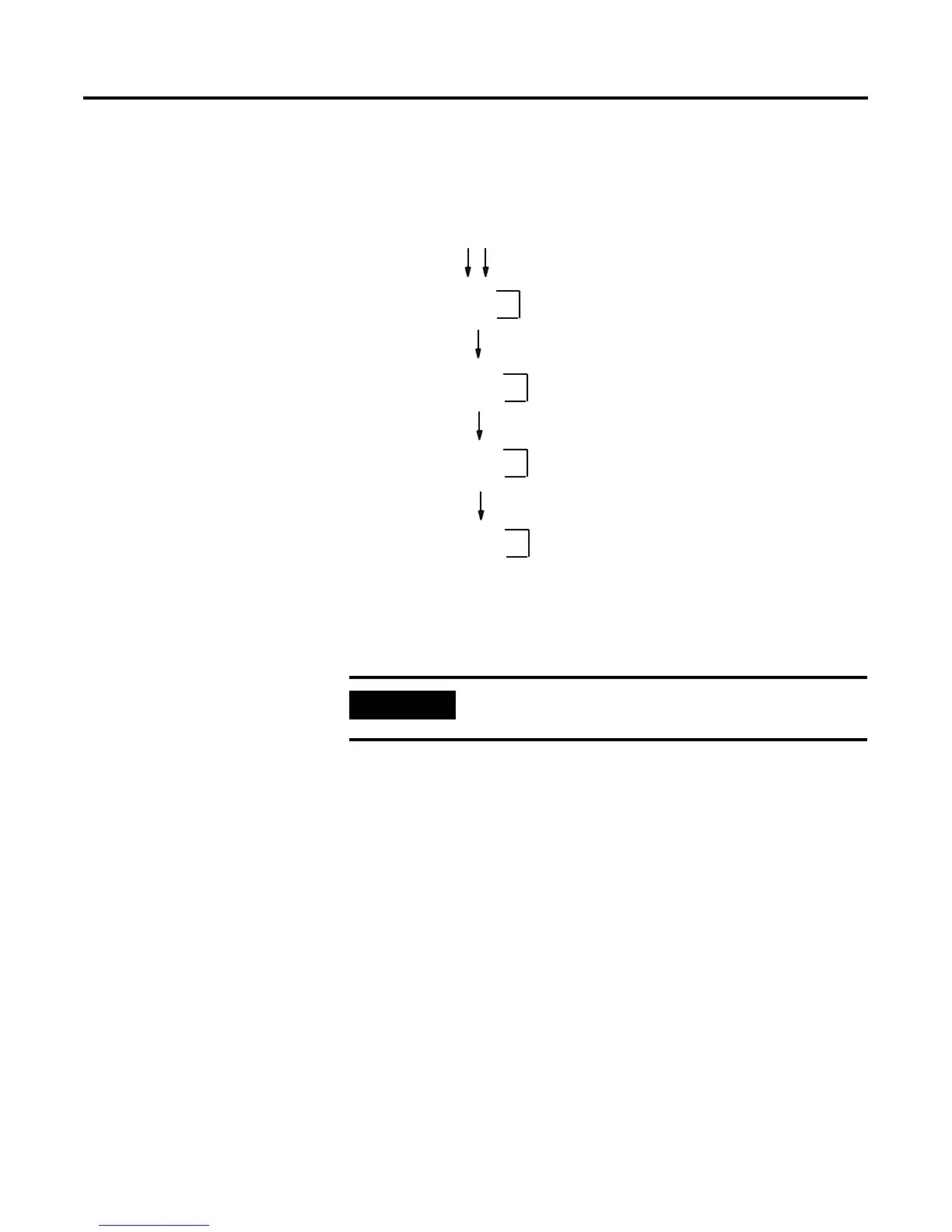
I/O status file. The following figure shows the arrangement of the words in
the I/O status file for a given remote or extended local I/O rack. The example
status file used for the figures in this section is integer file 15.
The first word for a rack contains present and fault bits, the second word
contains reset and inhibit bits. The following figure shows present, fault, reset,
and inhibit bit layouts for rack 7 in the I/O status file.
IMPORTANT
Setting inhibit bits in the I/O status file does not update
inhibit bits in the controller status file.
Defined I/O status file
N15:0
N15:1
N15:14
N15:15
rack 0
rack 7
Word in integer file
N15:30
N15:31
rack 17
N15:46
N15:47
rack 27
(Maximum for PLC-5/30 processors)
(Maximum for PLC-5/40, -5/40L, and -5/40E processors)
(Maximum for PLC-5/60, -5/60L,
-5/80 and -5/80E processors)
(Maximum for PLC-5/11, -5/20, and -5/20E)
rack 3


 To Next Page
 Loading...