Selecting an Embroidery Pattern 141
—————————————————————————————————————————————————————————————————————
—————————————
5
Embroidery patterns
1
Touch .
X The list of embroidery patterns appears.
2
Select an embroidery pattern.
Touch the desired pattern.
X The selected pattern appears in the pattern
display area.
• If the wrong pattern was selected or you
wish to select a different pattern, touch the
desired pattern.
3
Touch .
This confirms the pattern selection.
X The pattern editing screen appears.
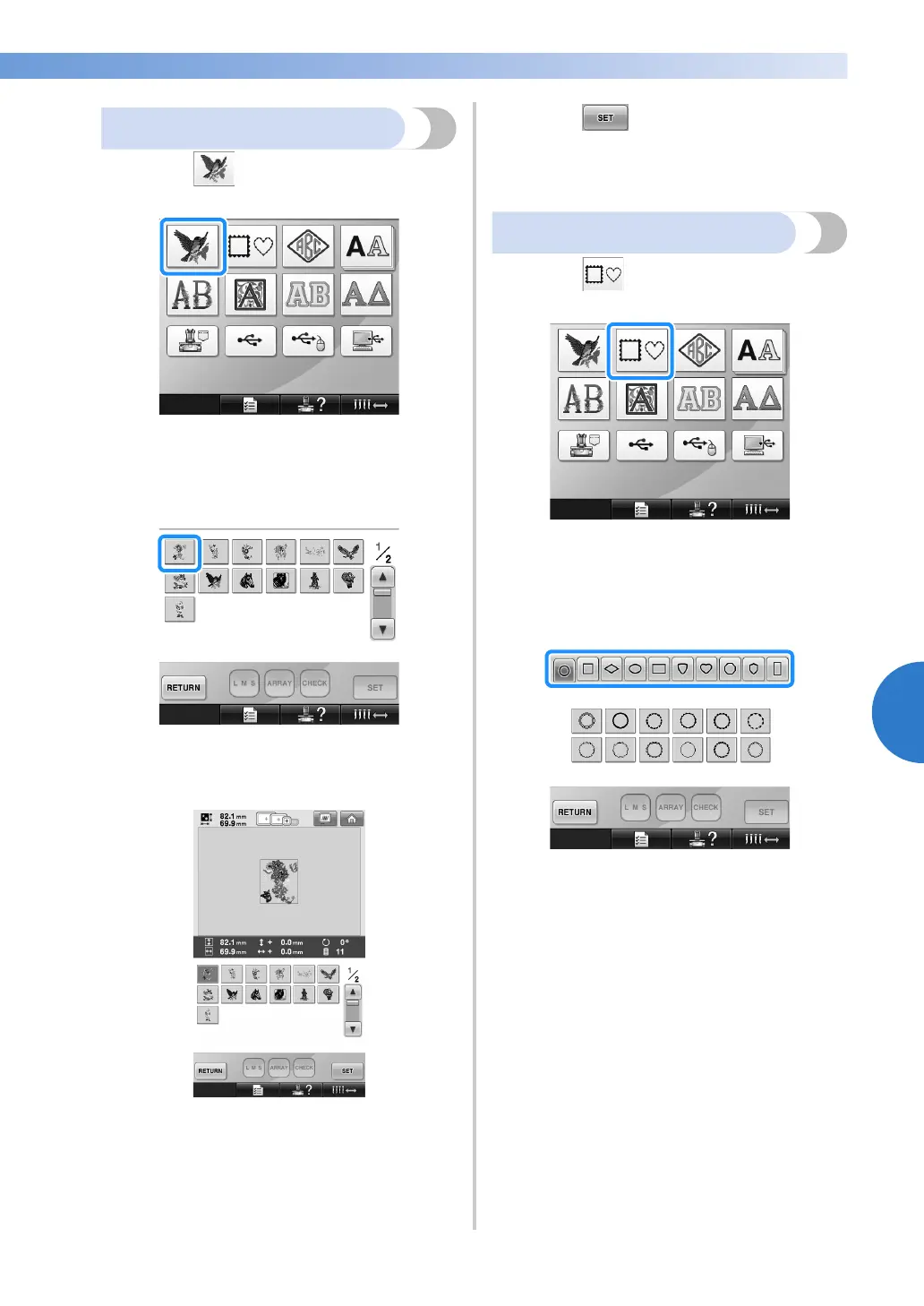
Frame patterns
1
Touch .
X The list of frame patterns appears.
2
From the upper tabs of the screen, select the
desired shape for the frame.
Touch the desired frame shape.
X The available frame patterns appear in the
lower half of the screen.


 To Next Page
 Loading...











