SELECTING/EDITING/SAVING PATTERNS
——————————————————————————————————————————————————————
150
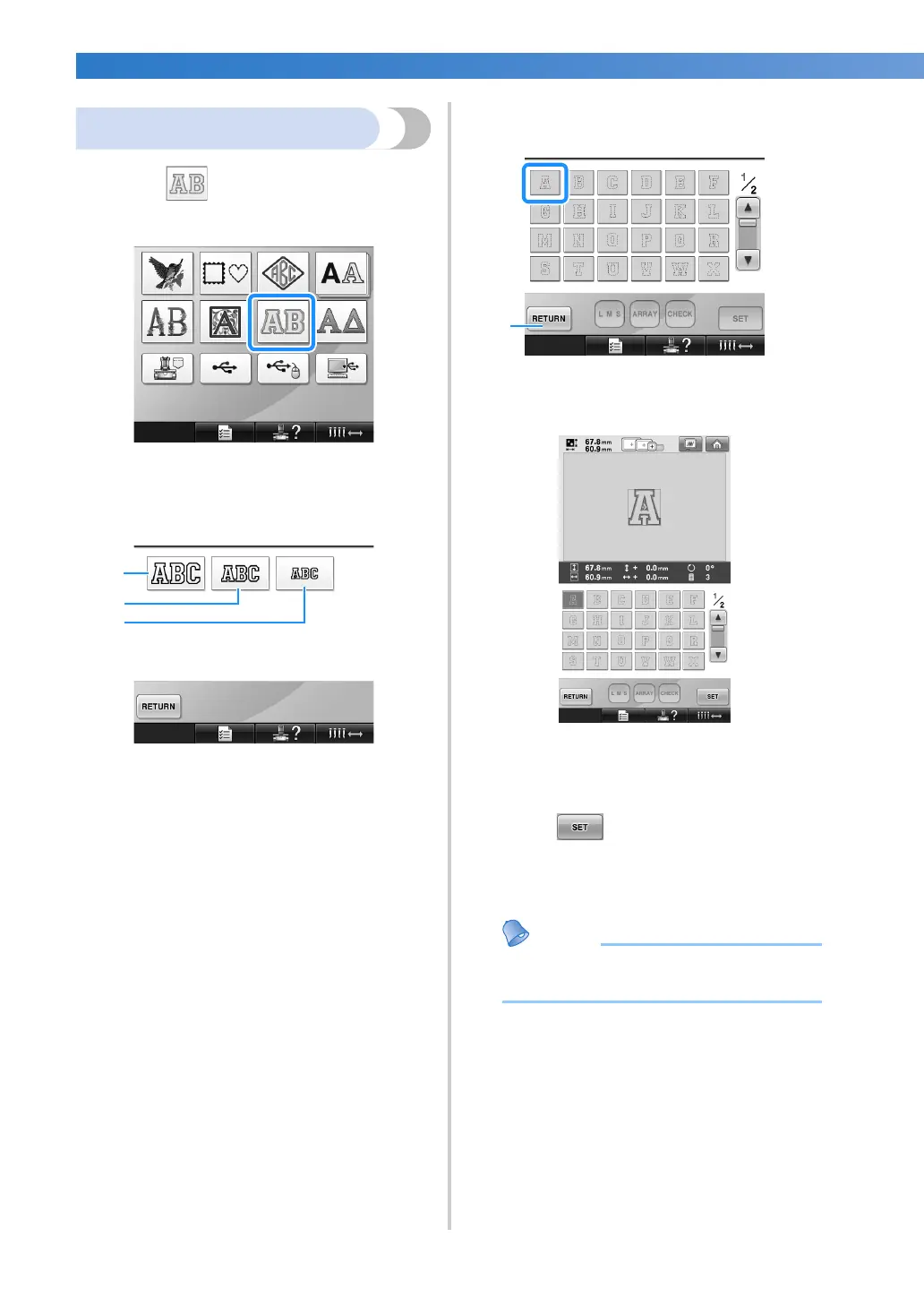
Appliqué alphabet
1
Touch .
X The size selection screen appears.
2
Select the text size.
Touch the key for the desired text size.
• The character will have the following
vertical length when the corresponding
size is selected.
1 Large: about 122mm (4-13/16 inches)
2 Medium: about 68mm (2-11/16 inches)
3 Small: about 49mm (1-15/16 inches)
X The list of appliqué alphabet patterns
appears.
3
Select an embroidery pattern.
Touch the desired pattern.
1 Touch this button to change the character size.
X The selected pattern appears in the pattern
display area.
• If the wrong pattern was selected or you
wish to select a different pattern, touch the
desired pattern.
4
Touch .
This confirms the pattern selection.
X The pattern editing screen appears.
● For details on sewing appliqués, refer to
“Sewing appliqué patterns” on page 210.


 To Next Page
 Loading...











