EMBROIDERING TUTORIAL
——————————————————————————————————————————————————————————————
42
3. Selecting an Embroidery Pattern
As an example, we will select the pattern shown at the right, on the last page
of the embroidery patterns.
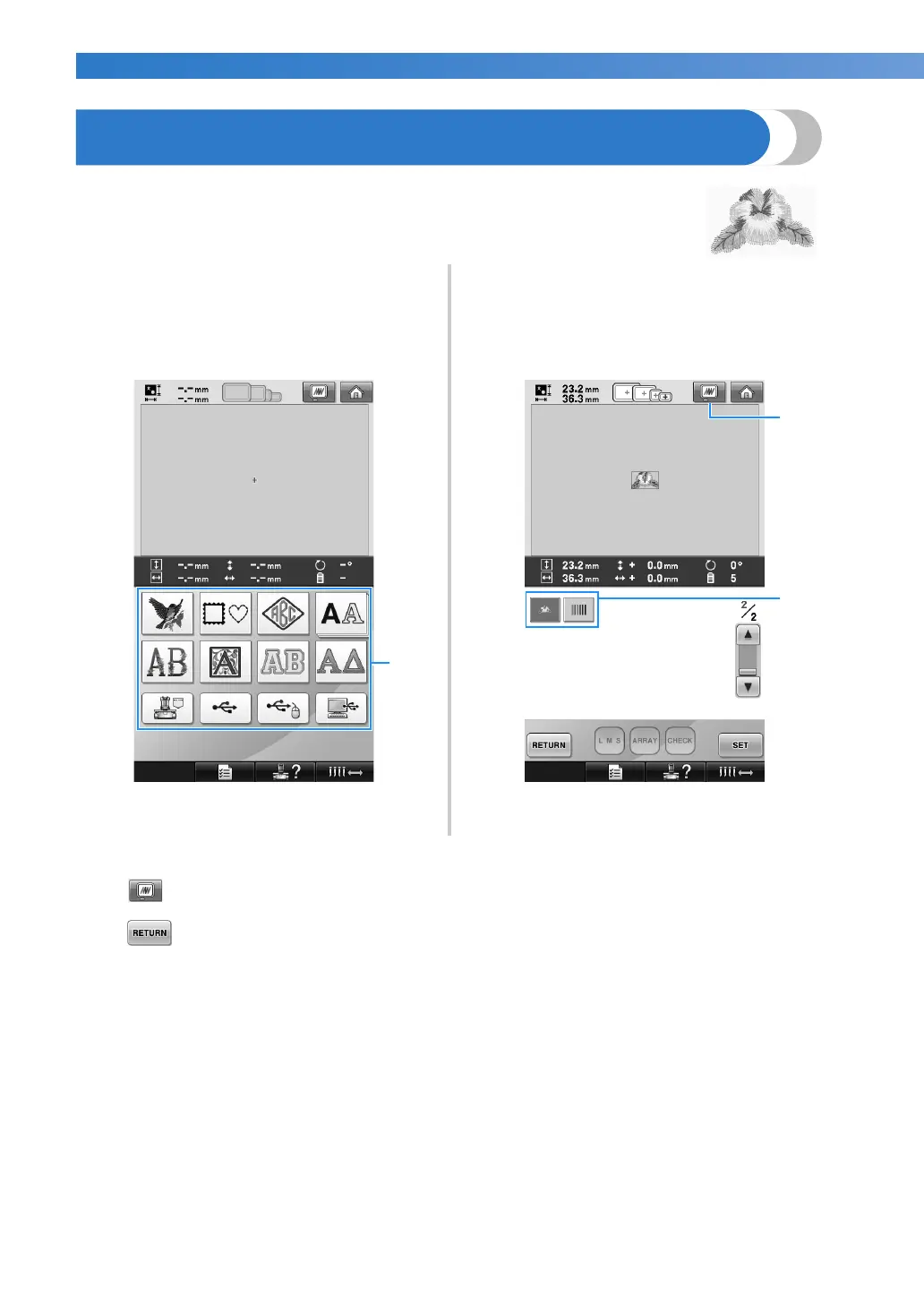
In the pattern type selection screen, select a pattern
category (type).
Pattern type selection screen (For details on the
keys and other information on the screen, refer to
page 71.)
1 Pattern type keys
In the pattern list screen, search for the desired
pattern, and then touch the key for the pattern.
Pattern list screen (For details on the keys and
other information on the screen, refer to page 72.)
1 Displays a preview image.
2 Pattern keys
■ Checking a preview image from the pattern selection screen
Touch to preview the image prior to selecting.
Touch to return to the pattern selection screen.


 To Next Page
 Loading...











