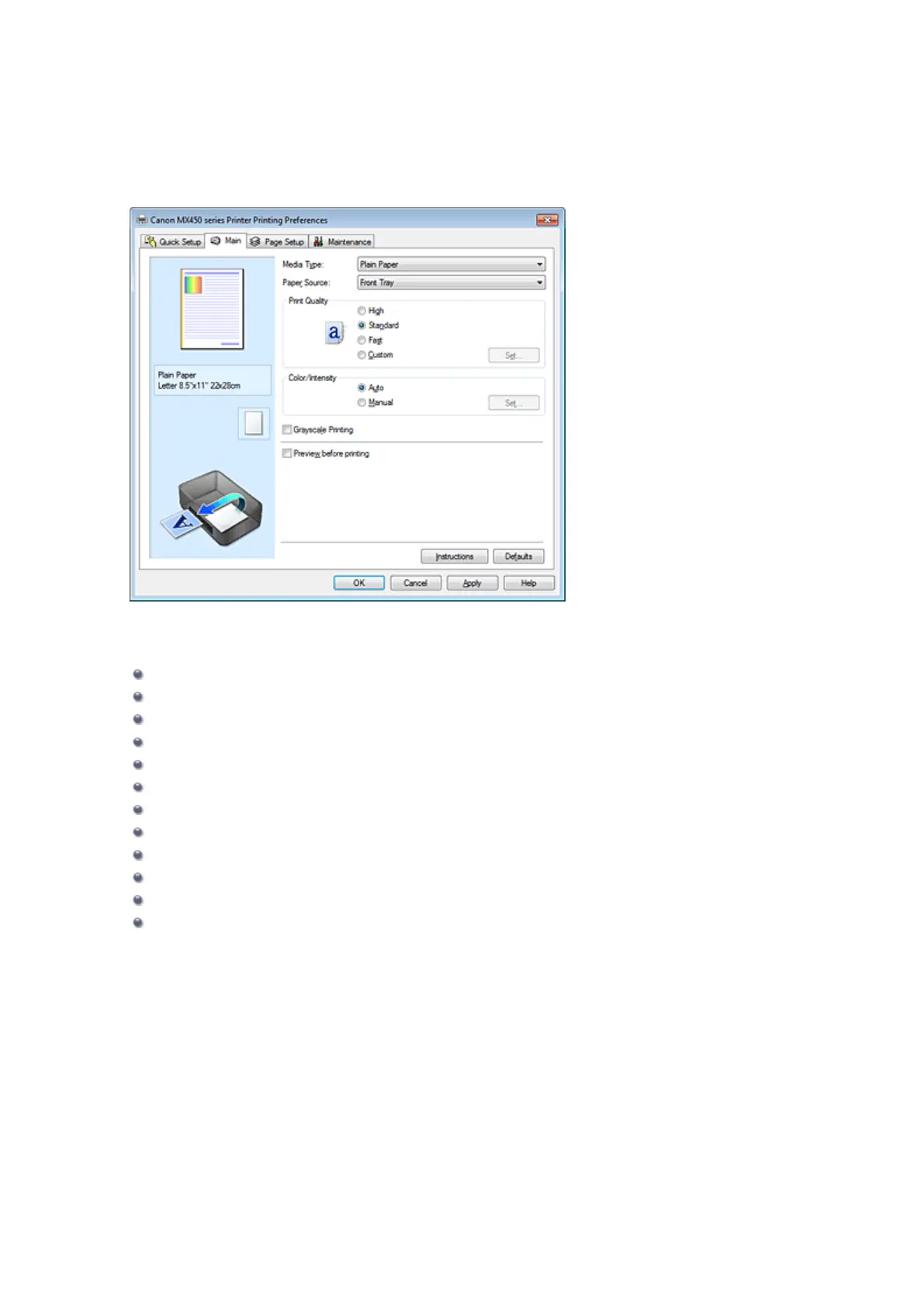
Main Tab
On the Main tab, you can specify basic print settings such as the print quality level and color adjustments.
Features
Setting the Print Quality Level (Custom)
Adjusting Color Balance
Adjusting Brightness
Adjusting Intensity
Adjusting Contrast
Adjusting Color Balance Using Sample Patterns (Printer Driver)
Adjusting Intensity/Contrast Using Sample Patterns (Printer Driver)
Specifying Color Correction
Adjusting Colors with the Printer Driver
Printing with ICC Profiles
Printing a Color Document in Monochrome
Displaying the Print Results before Printing


 To Next Page
 Loading...











