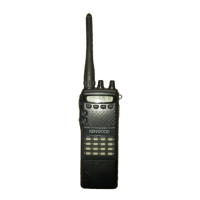
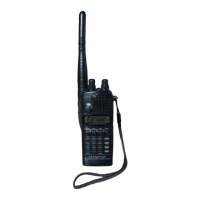
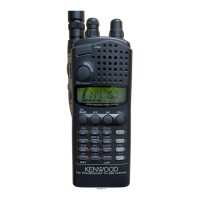
®CALL
Press
to
recall the Call channel.
® T/CT (Tone/CTCSS)
Press
to
switch between Tone
and
CTCSS functions.
@ REV (Reverse)
Press
to
reverse the transmit
and
receive frequencies.
This is particularly useful when monitoring a repeater to
check the signal strength of a station on its transmit
frequency.
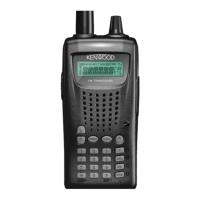
® Keypad
Use to input numeric data such
as
frequencies, memory
channel numbers, etc. Also, use to input numbers when
sending DTMF digits and
to
control DTSS, Page,
and
DTMF memory functions.
JACKS
AND
CONNECTORS
® BNC conm3ctor
Attach the supplied antenna.
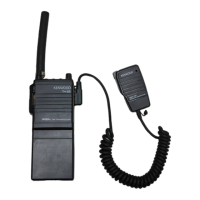
® External microphone/speaker jacks
Connect
an
external microphone, speaker or speaker-
microphone if desired. When using the transceiver with
any of these accessories, take care not to let water enter
the speaker jack or microphone jack.
@ External DC
IN
jack
Connect the BC-17 wall charger
in
order to charge the
transceiver's rechargeable battery pack.
Connect the optional PG-2W
DC
power cable if
an
external power supply
is
used. The supply voltage must
be
in
the range from 5 V to 16
V.
Connect the optional PG-3J cigarette lighter cable when
using a cigarette lighter socket
as
a power source during
mobile operation.
9


 To Next Page
 Loading...