1 MHZ STEP FREQUENCY
CHANGE
The 1 MHz Step feature allows rapid frequency
excursions up
or
down the
band
with a minimum of key
strokes.
1 Press [VFO] to select the VFO.
2 Press
[F].
• The bar located under the 1 MHz digit begins
blinking.
s
3 Turn the ENC/SQL control to select the desired MHz
digit.
4 Press [F] to restore the previous frequency step.
KEY LOCK
Occasionally, you may want
to
lock the keys
and
the
ENC/SQL control to prevent accidentally changing any
transceiver settings.
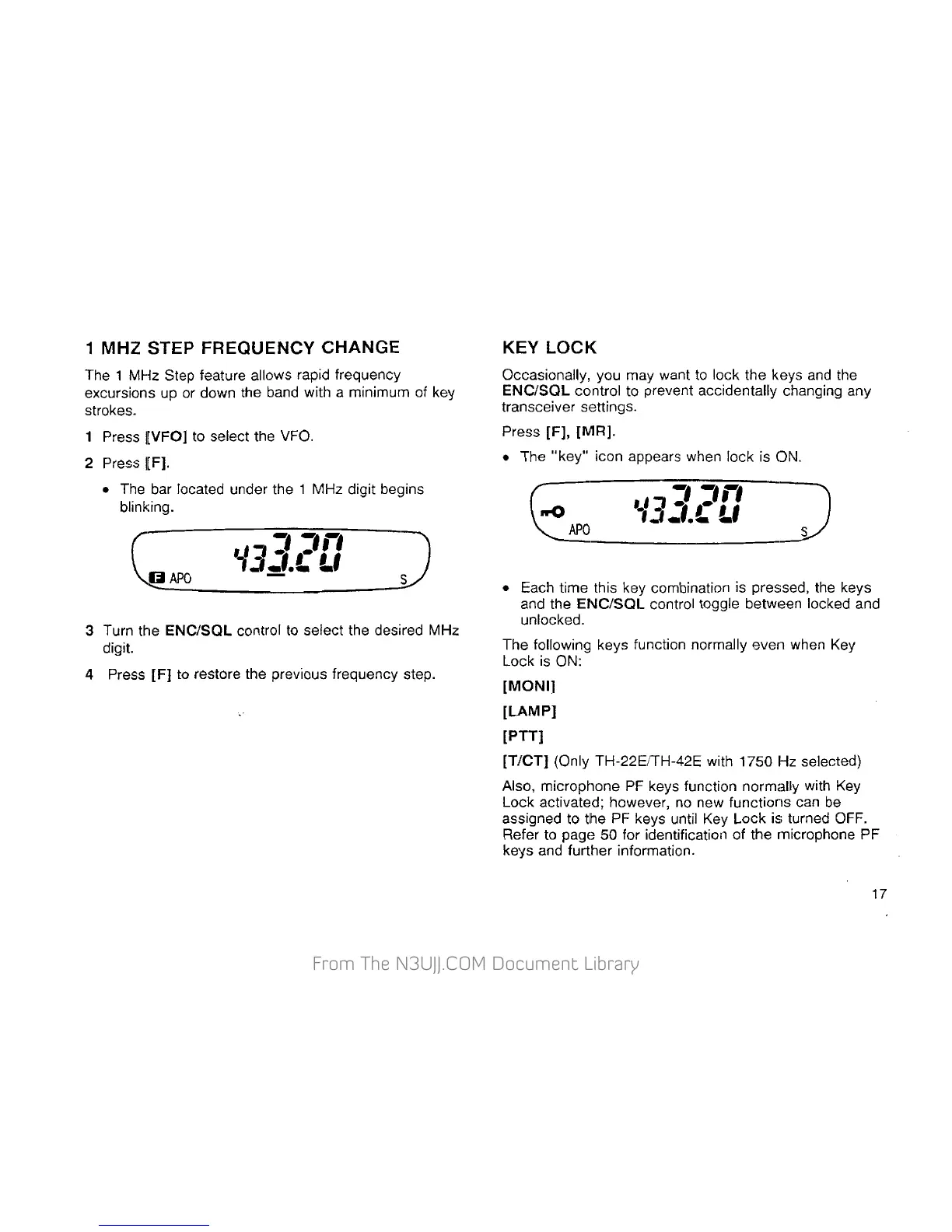
Press [F],
{MR).
• The
"key"
icon appears when lock is ON.
• Each time this key combination is pressed, the keys
and the
ENC/SQL control toggle
betw1aen
locked and
unlocked.
The following keys function normally even when
Key
Lock is ON:
[MONI]
[LAMP]
[PTT]
[T/CT]
(Only TH-22EITH-42E with
1750Hz
selected)
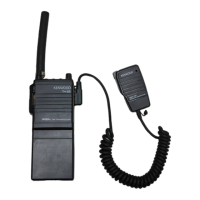
Also, microphone PF keys function normally with
Key
Lock activated; however, no new functions can
be
assigned to the PF keys until Key Lock is turned OFF.
Refer to
pagE~
50 for identification of the microphone PF
keys and further information.
17


 To Next Page
 Loading...