2 Enter the desired DTMF digits using the keypad (15
digits maximum).
•
If
incorrect data is entered, press [VFOJ
and
enter the correct data from the beginning.
•
To
abort data entry, press [CALL]. The previous
mode
is
restored.
3 Press
[MR], [1]
to
[5].
• Only press a single number corresponding
to
the
desired DTMF memory channel.
• The previous mode
is
restored.
• Confirming Stored DTMF Numbers
1 Press [F],
(3J.
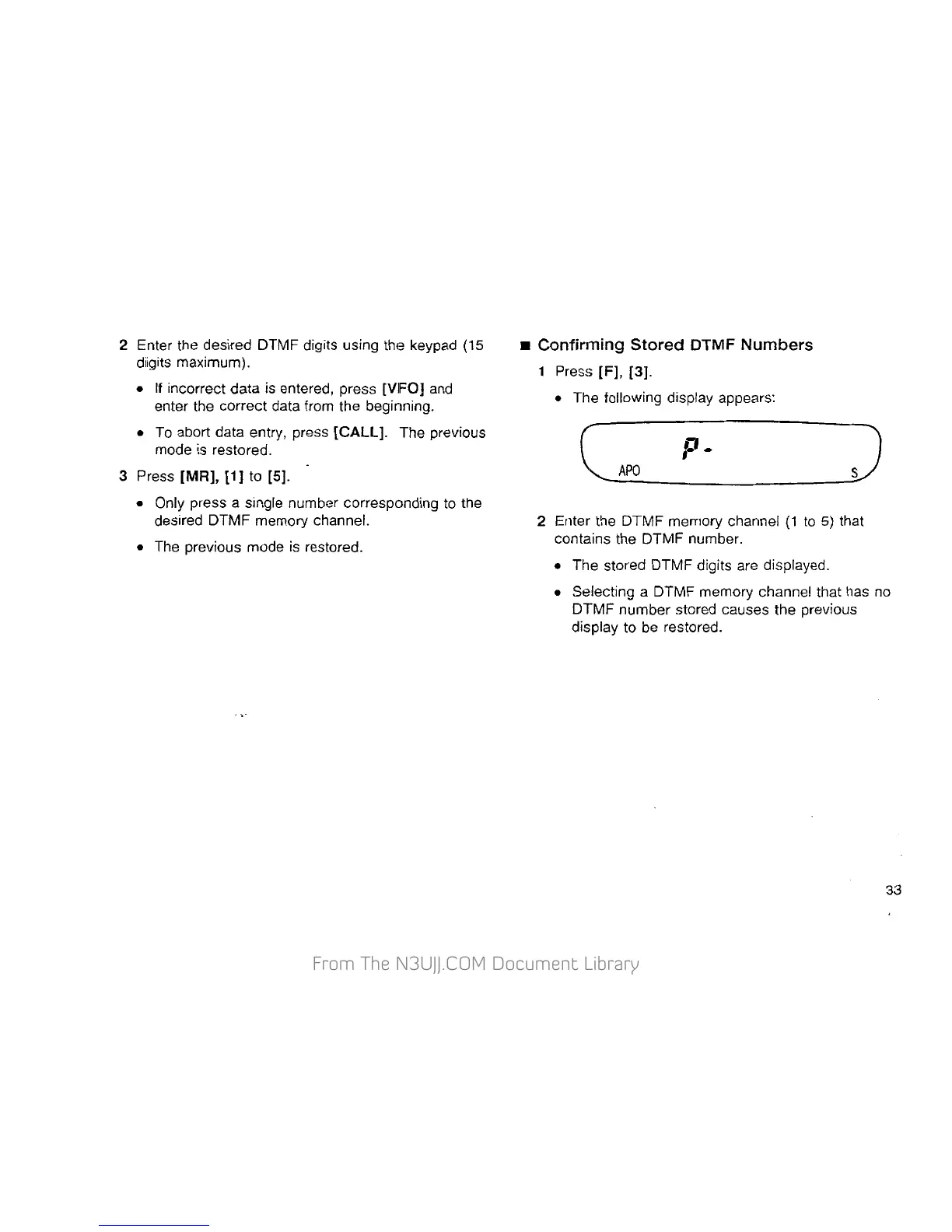
• The following display appears:
J
2 Enter the DTMF memory channel
(1
to
5)
that
contains the DTMF number.
• The stored DTMF digits are displayed.
• Selecting a DTMF memory channel that has no
DTMF number stored causes the previous
display to be restored.
33


 To Next Page
 Loading...