Appendix
10
10-5
10.2 Care of the Copier
Cleaning
Turn OFF the copier before cleaning it.
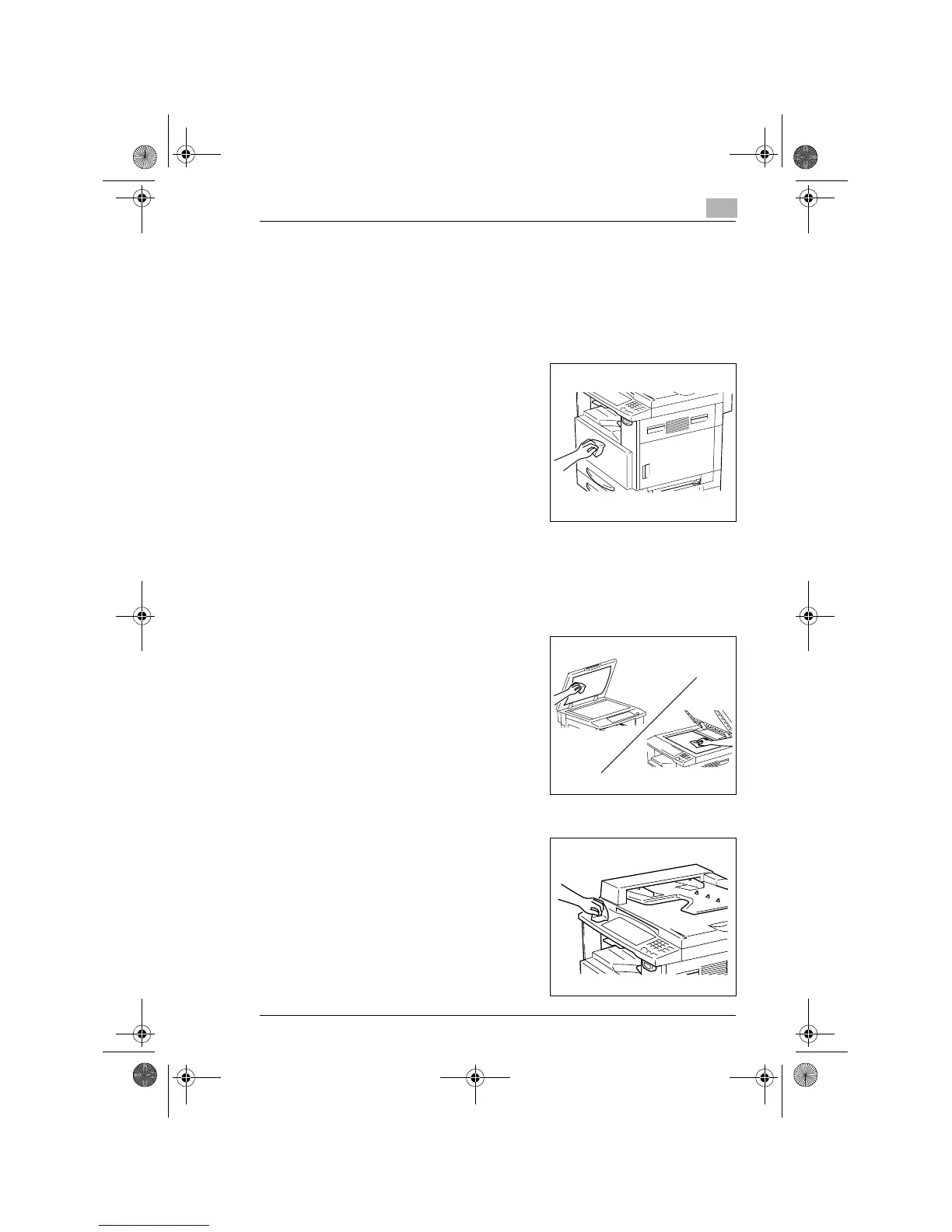
Housing Cover
➜
Wipe the surface of the housing
cover with a soft cloth dampened
with a mild household detergent.
Original Pad
➜
Wipe the surface of the Original Pad clean with a soft cloth dampened
with alcohol.
Platen Glass
➜
Wipe the surface of the Platen
Glass clean with a soft, dry cloth.
Control Panel
➜
Wipe the surface of the control
panel clean with a soft, dry cloth.
?
Do you know if detergent can be
used for cleaning?
➜
NEVER use household
detergent or glass cleaner, as a
damaged control key could
result.
Chapter10.fm Page 5 Tuesday, October 16, 2001 1:16 PM


 To Next Page
 Loading...








