3
Before Making Copies
3-8
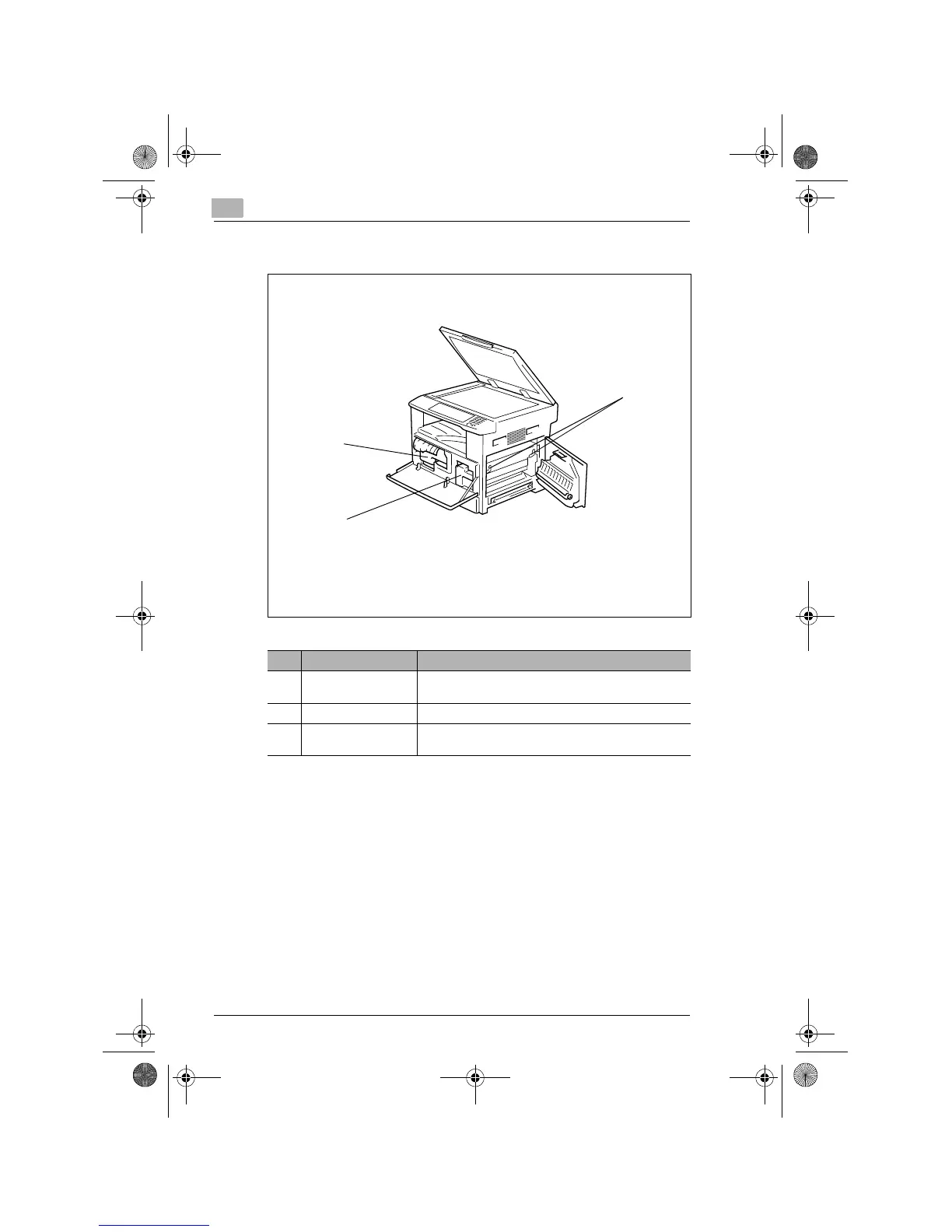
Inside the Copier
No. Part Name Description
1 Imaging Unit Forms a copy image.
The Imaging Unit is to be replaced only by your Tech. Rep.
2 Toner Bottle Holder Open to replace the Toner Bottle.
3 Pressure Lever Use to clear a misfed sheet of paper at the Fusing Unit.
(p.8-12)
2
1
3
Konica7115_7118.book Page 8 Tuesday, October 16, 2001 10:51 AM


 To Next Page
 Loading...








