Camera settings
are
automatically optimized for the selected subject type. The
following scene modes
are
available.
:!I Portrait
~
Party/indoor
~
Night landscape
G:
Fireworks
show
IiiiII
La
nd
sca pe
~
Beach/snow
:=
Close-up
QCopy
~ Sports
~
Sunset
11
Food
I]
Backlight
._._-
til Night portrait
~
Dusk/dawn
~,,::useum
J
~
Panorama assist
"'''''''''
.
_.
~_
..
_-
-_:~--
,~~_.
'A··;e··'s-·
~'Yf"f"h··-t'7",n'""""'.P"'!""·''''''···'''''7''1
~
ltD .
eac
snow'"
.
~
Sunset
iii
Dusk/dawn
~
Night
landscape
.=
Close-up
MENU
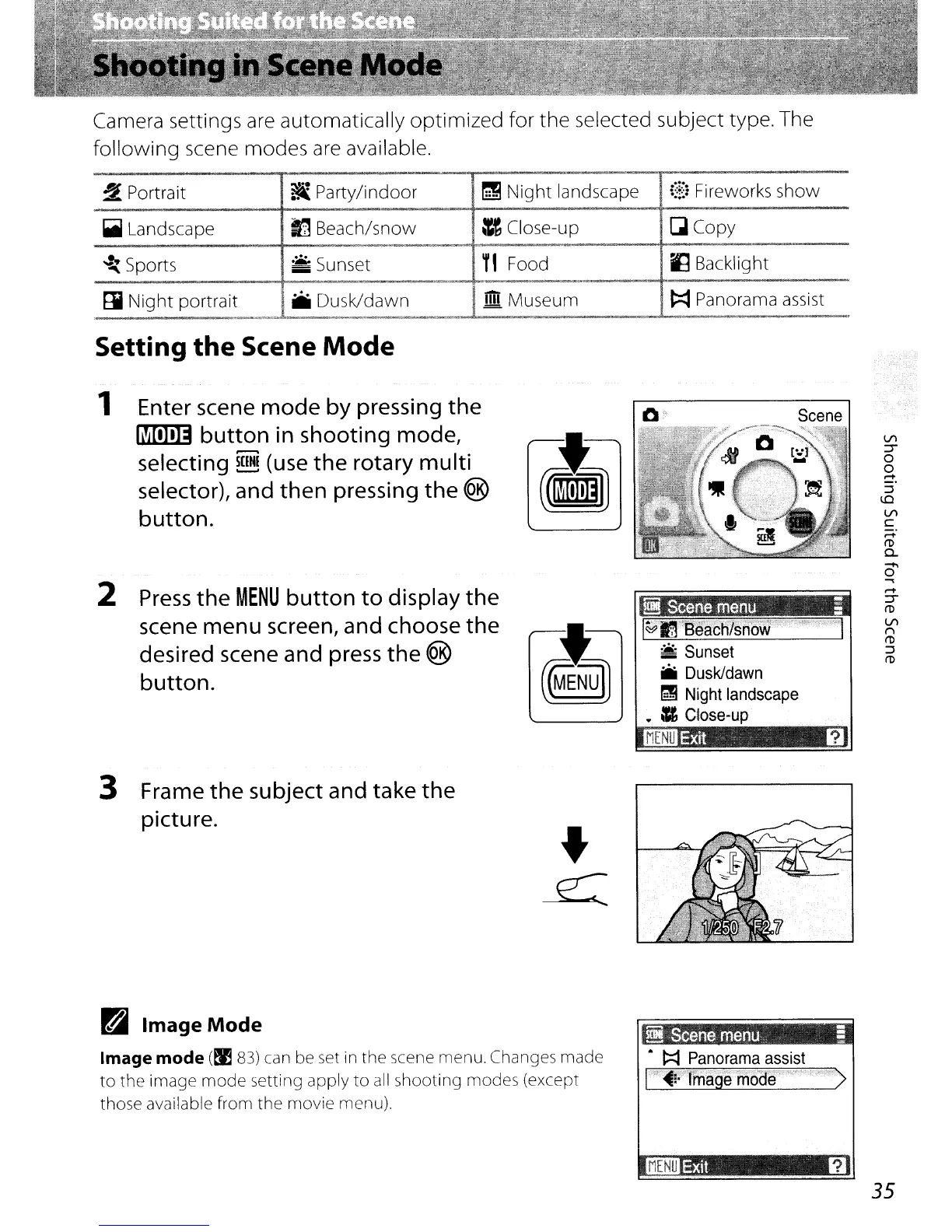
Press
the
MENU
button
to
display
the
scene menu screen, and choose
the
desired scene and
press
the
®
button.
Enter scene
mode
by pressing
the
limTI]]
button
in
shooting mode,
selecting
~
(use
the
rotary multi
selector), and
then
pressing
the
®
button.
2
Setting
the
Scene
Mode
1
3 Frame
the
subject and take
the
picture.
ri Image Mode
Image mode
(~
83)
can be set in the scene menu. Changes made
to
the image
mode
setting apply
to
all
shooting modes (except
those available from
the movie menu).
iI
Scene
menu
i
A
~
Panorama
assist
I"T~:';'Cl'magemoae···'··<"·
>
35


 To Next Page
 Loading...












