Corner Stapling Bottom, Top Jogging
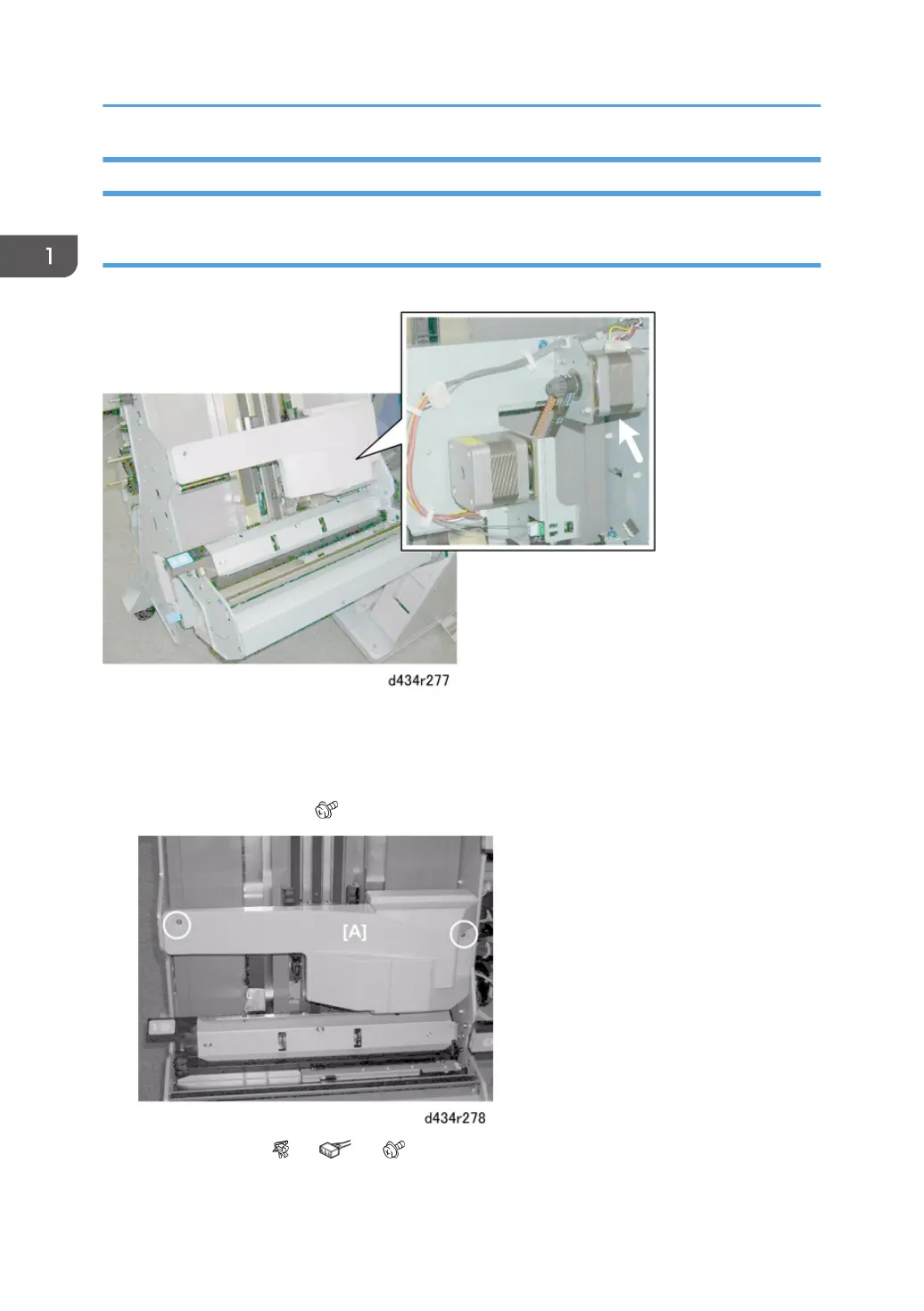
Positioning Roller Rotation Motor
The positioning roller rotation motor is under the motor cover on the right side of the stack/staple unit.
Preparation
• Open the front door.
• Pull out the stack/staple unit with handle Rb12.
1. Remove motor cover [A] ( x2)
2. Remove motor [A] ( x1, x1, x2)
1. Replacement and Adjustment
108



 To Next Page
 Loading...

