EasyManua.ls Logo

ACUTRONIC fabian HFO - Calibration Procedures

ACUTRONIC fabian HFO
176 pages
Print Icon
To Next Page IconTo Next Page
To Previous Page IconTo Previous Page
Loading...
Configurations menu 57
fabian HFO | SW 5.1.x
Ref: 113003.EN / Date 2020-02-10
6.1 Calibration
The Calibration screen is the first screen that comes up when the Calibration
key is pressed. Then you can proceed through the menu options to select the
Calibration menu again.
The Calibration menu can be accessed through the Menu / Calibration button
on the keypad.
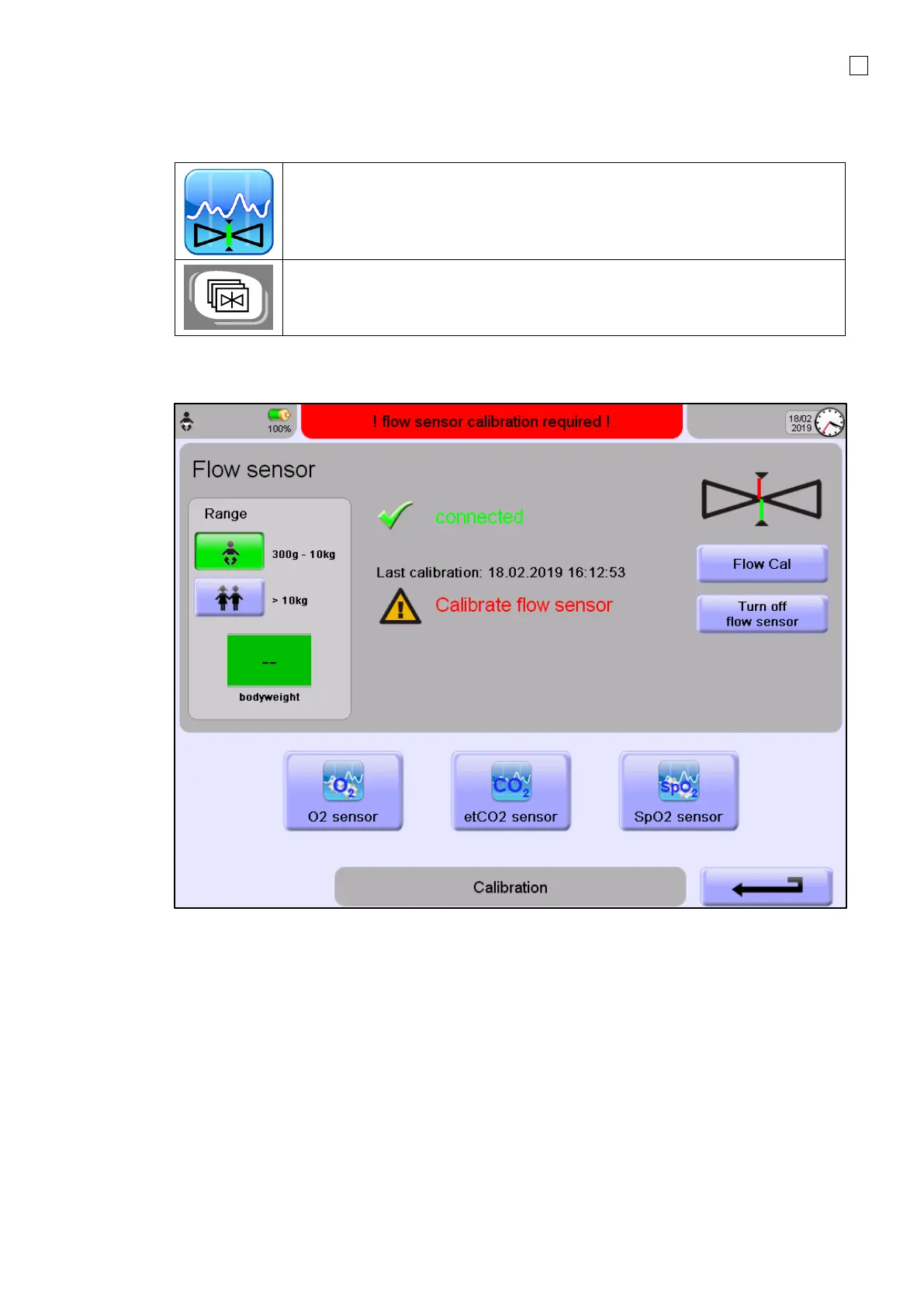
Upon ventilator startup, you will be automatically directed to the Calibration menu. The Calibration
menu is displayed as follows.
From the Calibration screen, you can calibrate the following Sensors:
Flow sensors: Neonatal and Pediatric
O
2
sensor
etCO
2
module
SpO
2
module

Table of Contents

Related product manuals