Sending Faxes
4-26
Specifying Recipients
Follow the procedure below to send documents to registered recipients.
Using One-Touch Speed Dialing Keys/Group Dialing
To use this feature, you must register recipients in one touch speed dialing keys beforehand. (See “Storing/
Editing Address Book,” on p. 4-6.)
1 Set documents.
Place the first page on the platen glass if you are not using the ADF.
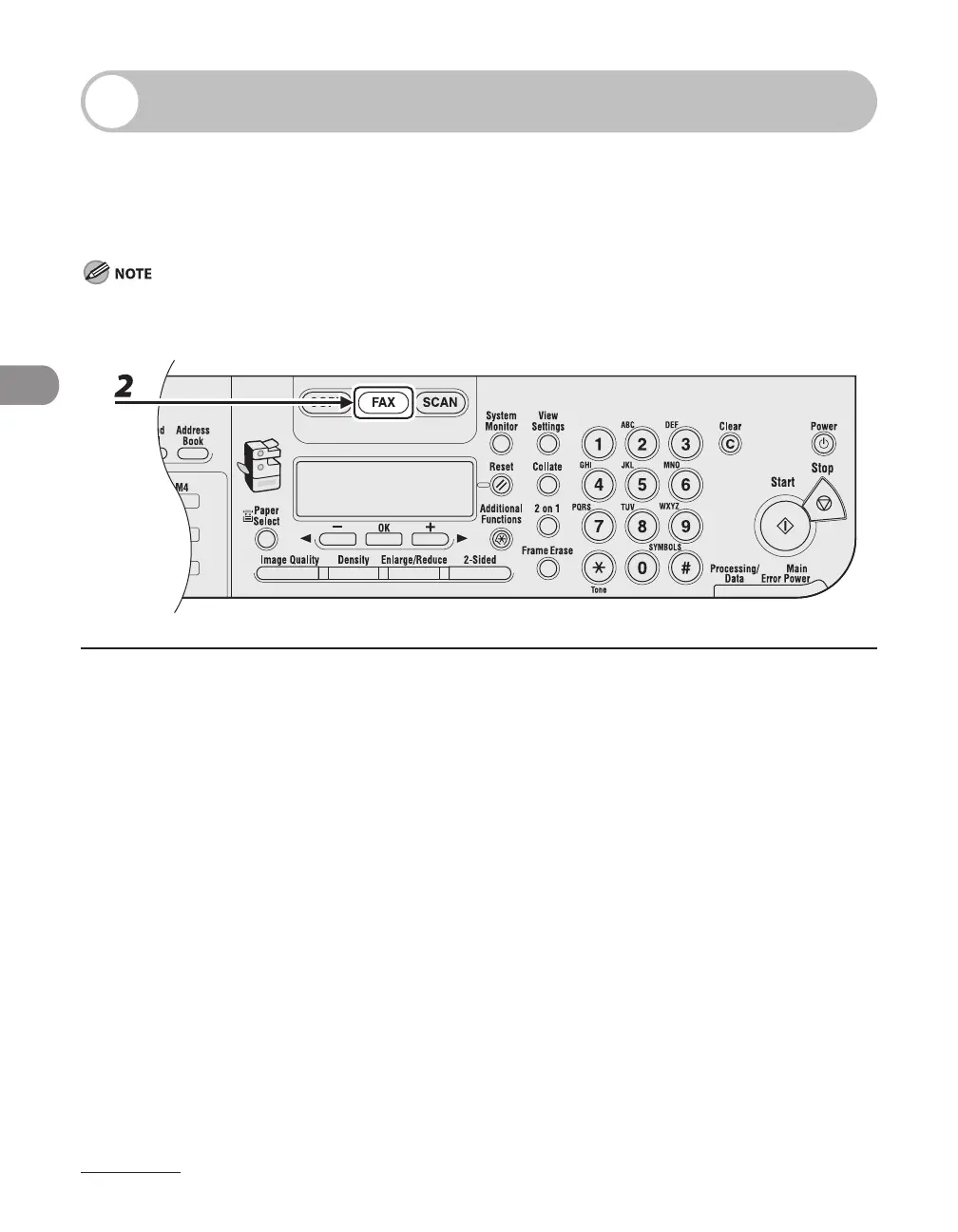
2 Press [FAX].
If you want to adjust the image quality and density, see “Scan Settings,” on p. 4-4.



 To Next Page
 Loading...






