Printing
6-12
Checking and Deleting Print Jobs
System monitor enables you to monitor the status of the print jobs currently being
processed.
Make sure that the Processing/Data indicator is turned on. When the Processing/Data indicator is turned off, all
print jobs are erased from the memory.
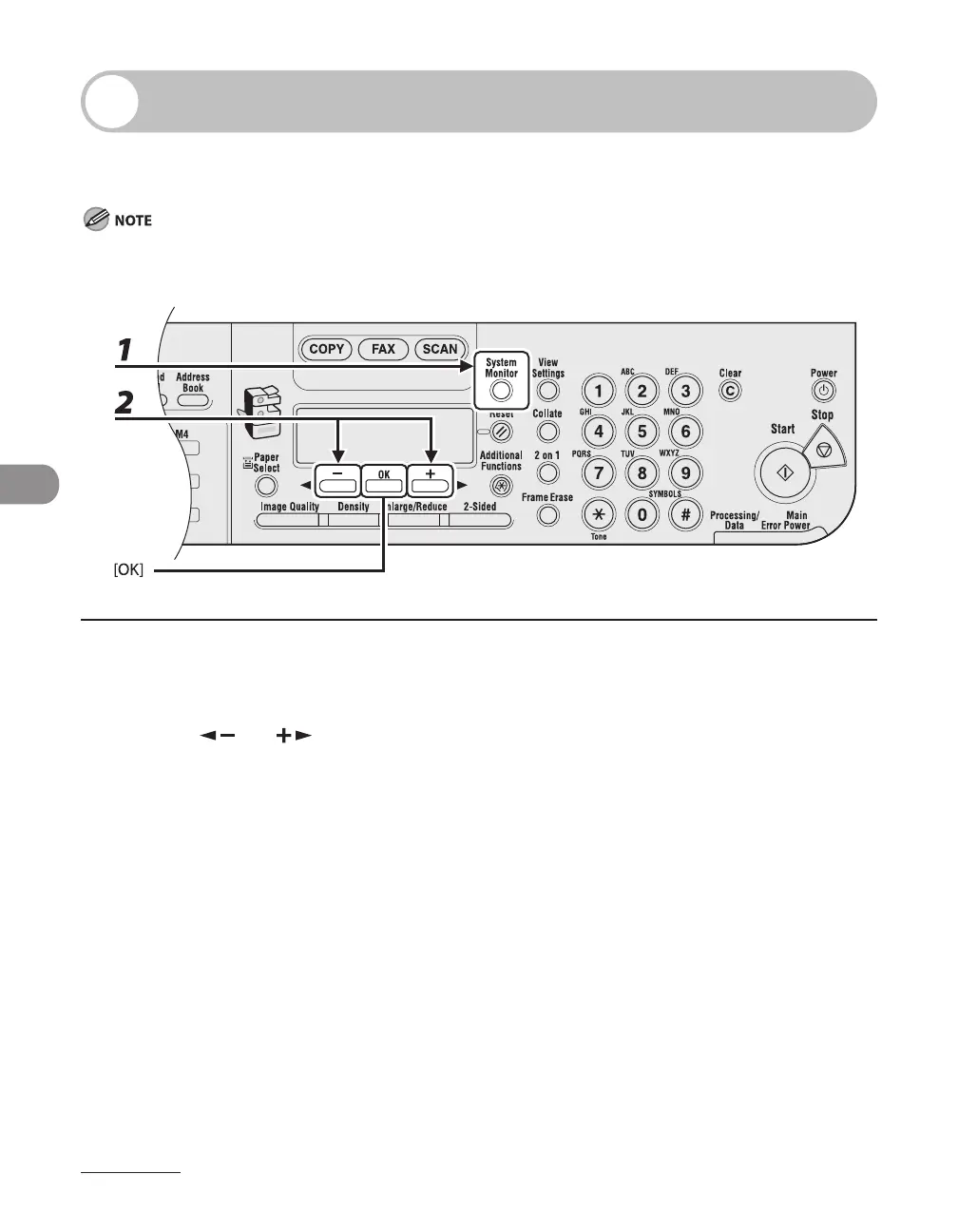
1 Press [System Monitor].
2 Press [ ] or [ ] to select <PRINT STATUS>, then press [OK].


 To Next Page
 Loading...







