Switching Adaptive Cruise Control
Off
Press the button when the
system is in standby mode or
switch your vehicle off.
Note: When you switch the system off, the
set speed clears.
ADAPTIVE CRUISE CONTROL
AUTOMATIC CANCELLATION
The system may cancel if:
• The tires lose traction.
• You apply the parking brake.
The system may cancel and set the parking
brake if:
• You unbuckle the seatbelt and open
the driver door after adaptive cruise
control stops your vehicle.
• Adaptive cruise control holds your
vehicle at a stop continuously for more
than three minutes.
The system may deactivate or prevent
activating when requested if:
• The vehicle has a blocked sensor.
• The brake temperature is too high.
• There is a failure in the system or a
related system.
SETTING THE ADAPTIVE
CRUISE CONTROL SPEED
Drive to the speed you prefer.
Press the SET+ or SET- buttons
to set the current speed.
Take your foot off the accelerator pedal.
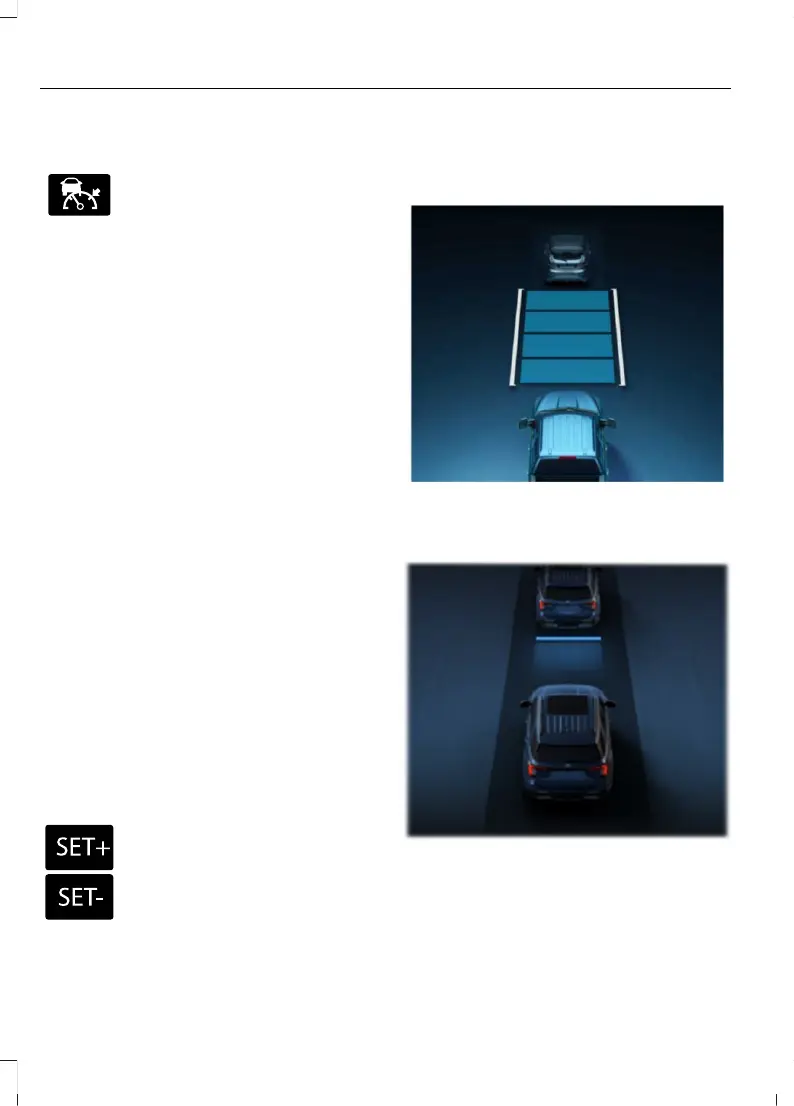
The indicator, current gap setting and set
speed appear in the instrument cluster
display when initially activating adaptive
cruise control.
After a few seconds, the graphic in the
instrument cluster display changes to
show that adaptive cruise control is active.
A vehicle image illuminates if there is a
vehicle detected in front of you.
Note: When adaptive cruise control is
active, the speedometer may vary slightly
from the set speed displayed in the
instrument cluster display.
260
Explorer (CTW) Canada/Mexico/United States of America, enUSA, Edition date: 202401, DOM
Adaptive Cruise Control - Excluding: Police



 To Next Page
 Loading...










