Garmin aera 500 Series Pilot’s Guide
190-01117-02 Rev. C
15
Overview
Overview GPS Navigation Flight Planning Hazard Avoidance Additional Features Appendices Index
Data Link Displays Data Link setup information.
Weather Displays Weather setup information (510 and 560 Models only).
Power Displays power settings
Keyboard Displays keyboard layout settings.
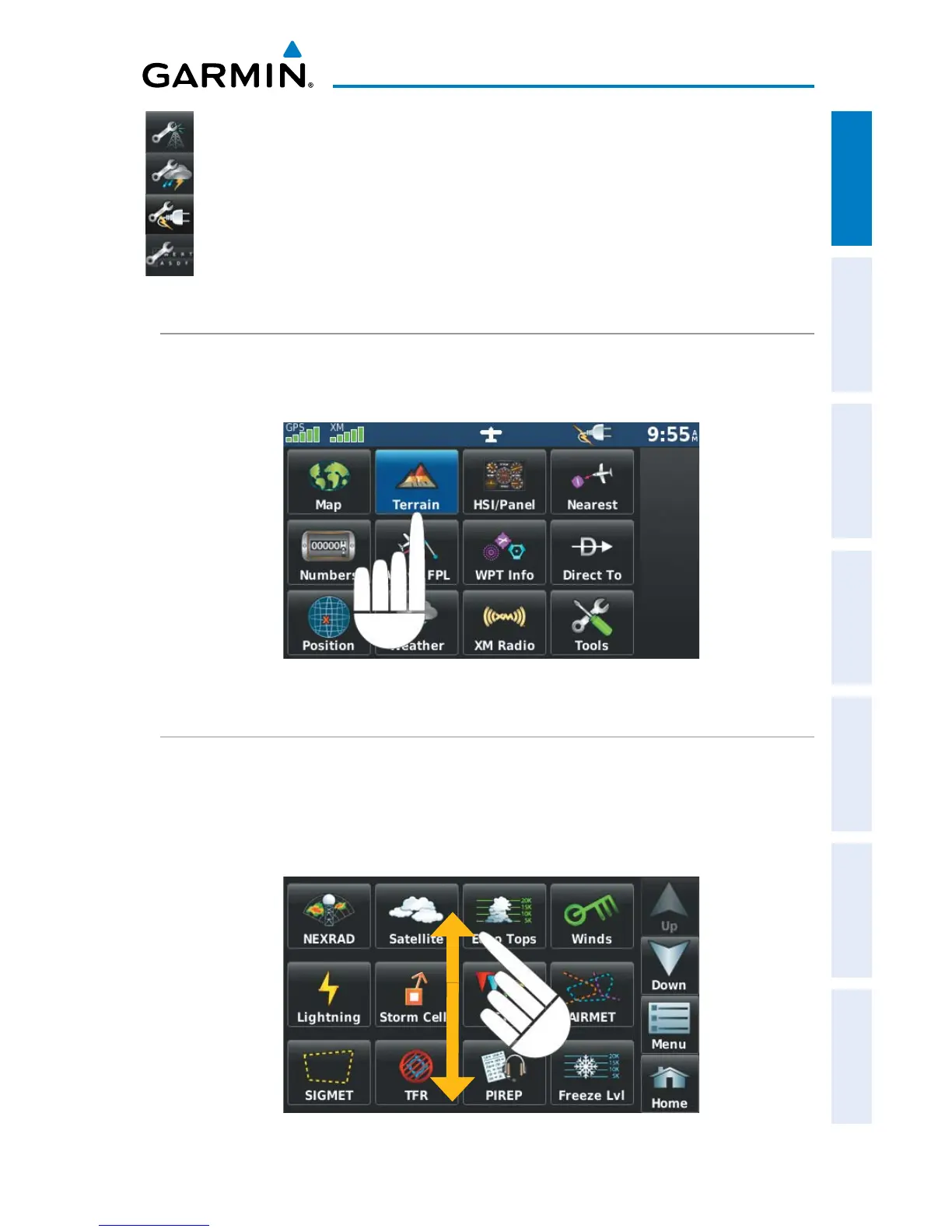
SELECTING A FUNCTION
Selecting a function:
Touch the desired icon. The icon will momentarily turn blue when selected.
Terrain Icon Selected (‘Home’ Screen)
SCROLLING
Scrolling up/down on the touchscreen:
Touch the Up or Down Arrow Icons (if available).
Or:
If the arrow icons are present, touch and drag your finger up or down.
Scrolling (Weather Icons)


 To Next Page
 Loading...