EasyManua.ls Logo

GIRBAU LOGI CONTROL - Information Menu. INFO Menu

GIRBAU LOGI CONTROL
81 pages
Print Icon
To Next Page IconTo Next Page
To Previous Page IconTo Previous Page
Loading...
LOGI CONTROL. Advanced mode 39
Cod. 523340
Rev. 10/1016
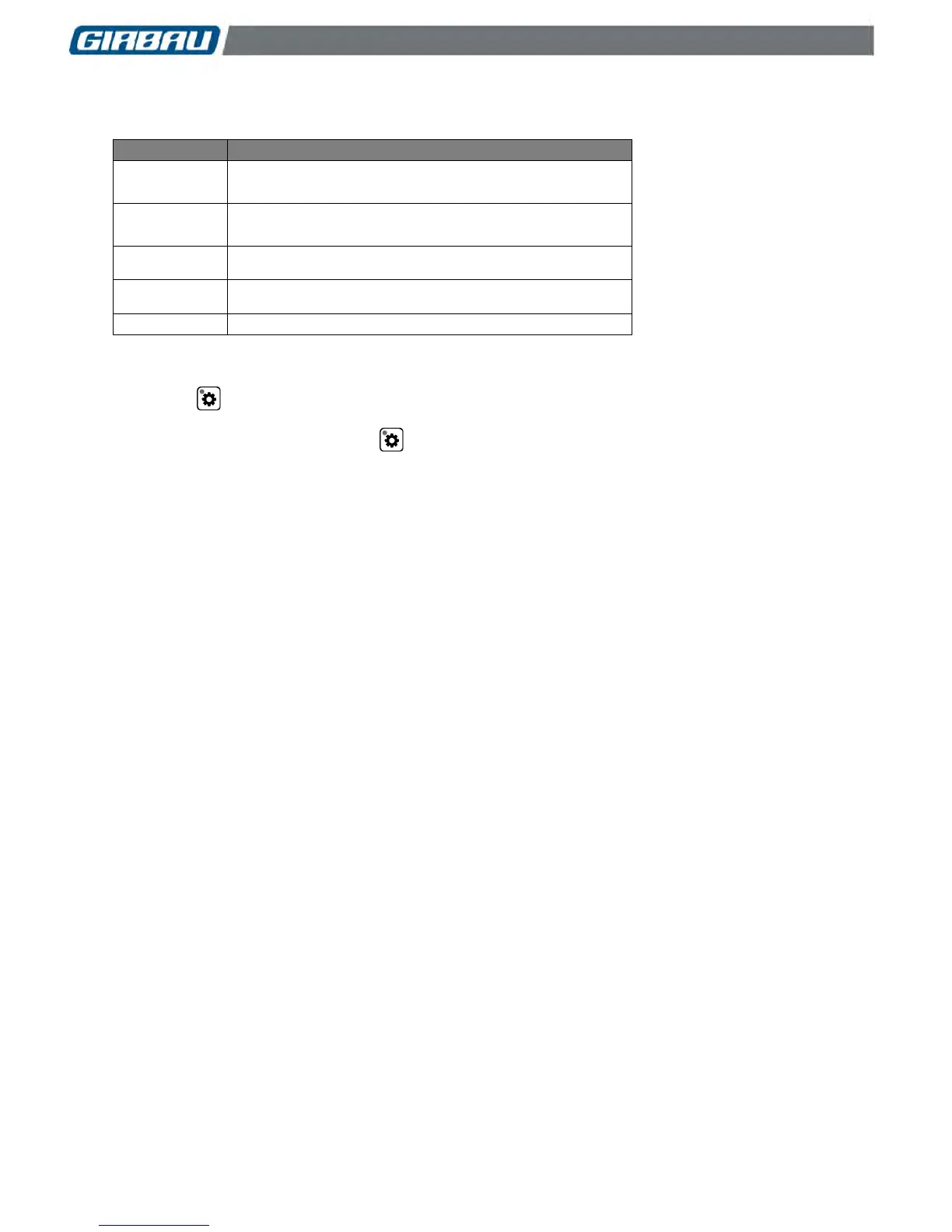
6.6. Information menu. INFO menu
PARAMETERS
MEANING
LOGI
****
Type of control
Washer model
EP
****
Software version
Pr
Number of total cycles executed
Pr-*
Number of cycles executed individually by each program
SUD
Number of times the anti-suds function has been activated
Access the ADVANCED USE MODE. Section 6.2. The display shows Pro.
Press the ▲ key. The display shows INFO.
Press the key to sequentially access the listing of the different parameters and the values for the
corresponding counters.
Once the last option is listed, press the key. The display shows INFO.
The ▲/▼ keys allow the user to access to other menus.
To exit the ADVANCED USE MODE press the START/STOP key.

Table of Contents

Other manuals for GIRBAU LOGI CONTROL

Related product manuals