LS10143-001SK-E
2
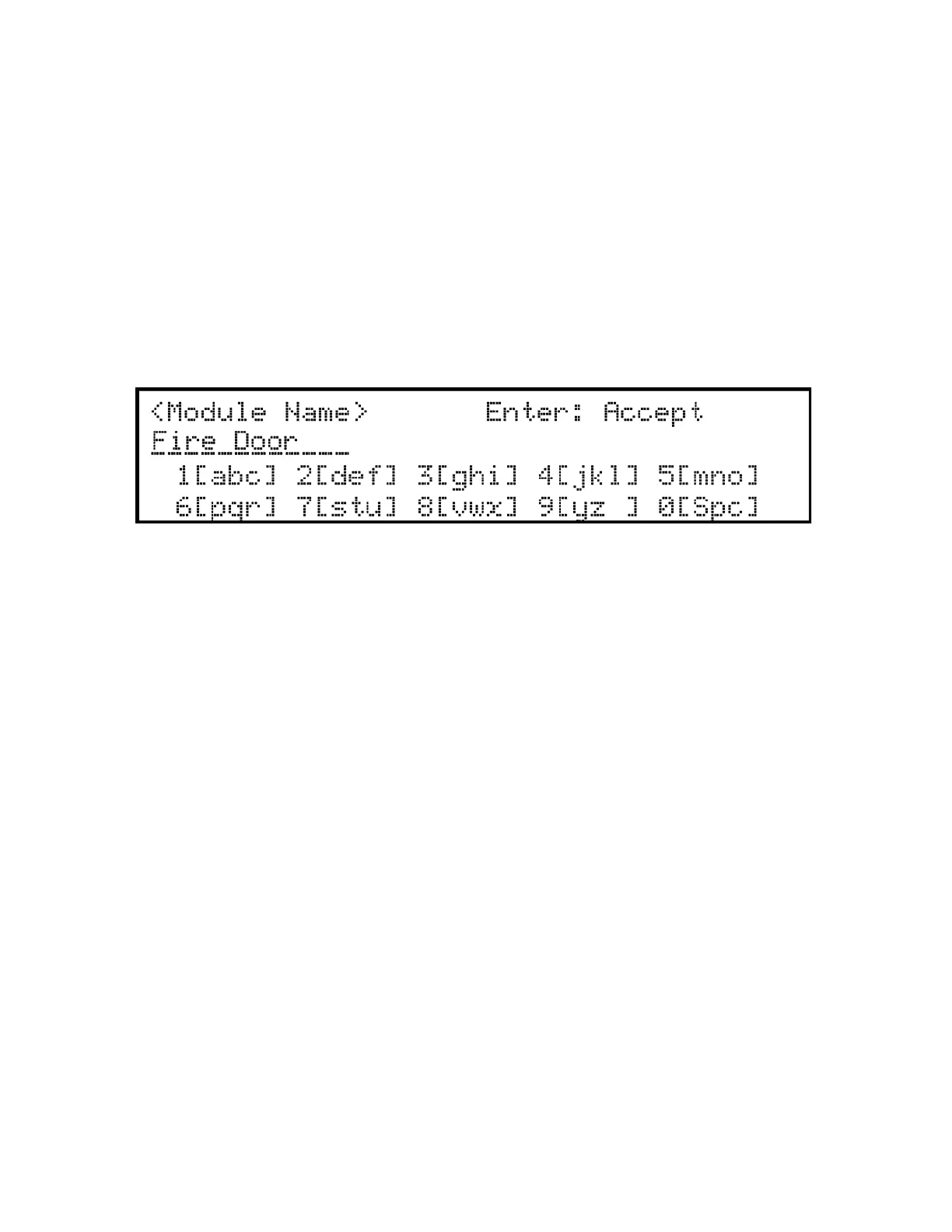
B.2 Example Name Edit
1. Press the up or down arrow to select upper case letters mode, Press 2 until “F” appears.
2. Press the up or down arrow to change mode to lower case letters, Press 3 until “i” appears.
3. Press 6 until “r” appears.
4. Press 2 until “e” appears.
5. Press 0 to space, then continue to next word using the same process.
6. Press ENTER to accept.
Note: After three seconds of no change, letter will automatically be accepted. Also pressing next number will au-
tomatically accept previous choice.
Figure B-1 Edit Name Example


 To Next Page
 Loading...