Leica mojo3D, Running the mojo3D for the First Time 51
3.5 Menu Buttons at Left of Screen
Menu buttons at
left of screen
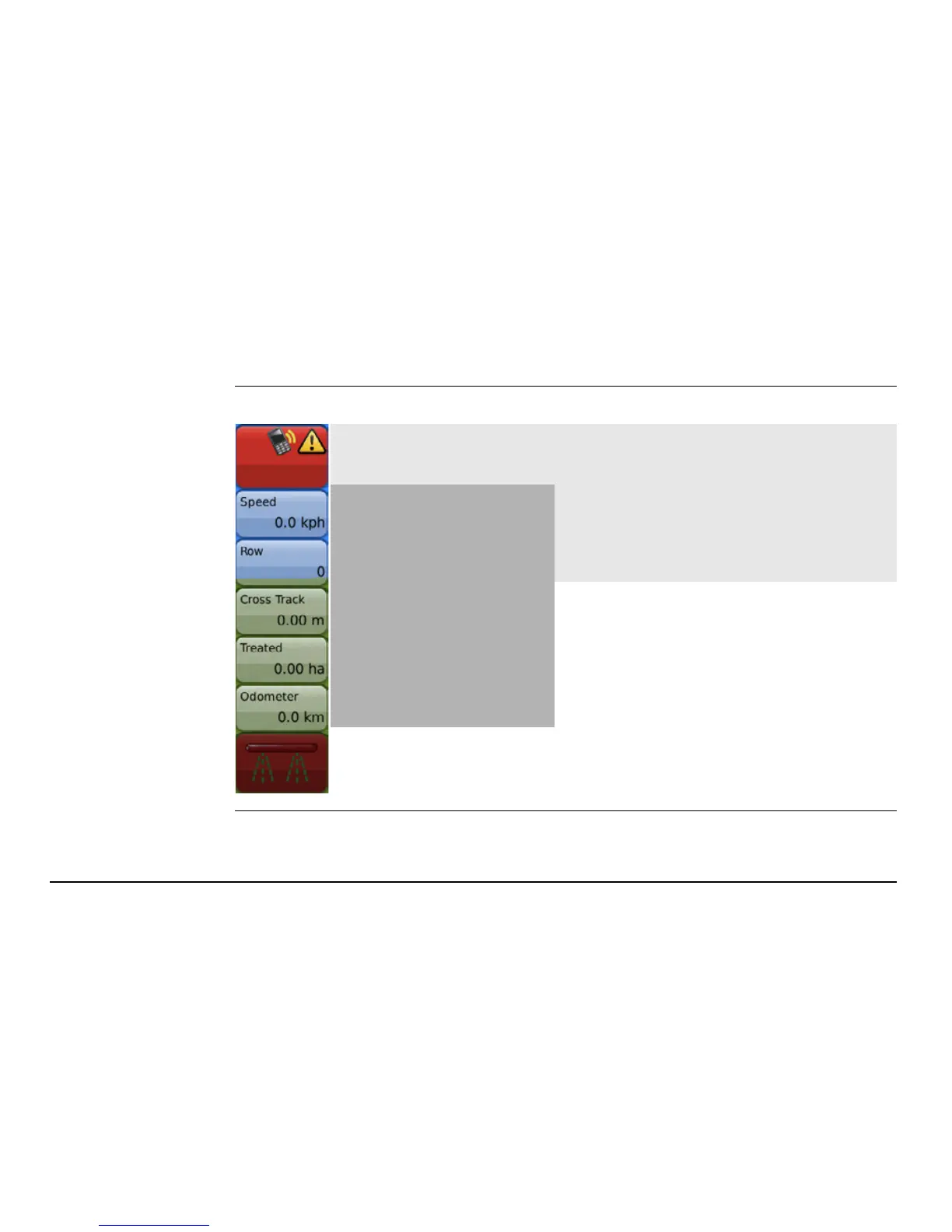
The menu buttons at the left of the screen are:
Status
Tap the status button to display a
screen with status information and
errors for:
• Base station (if used)
• Satellites visible
• Cell modem signal strength
• Virtual Wrench™ (if connected)
Five buttons with
user-selected data.
Refer to see "3.9 Error
Notifications" for more
information.
Master record status


 To Next Page
 Loading...




