134
Front Panel≫ Rear Panel≫ Remote≫
Contents
≫
Connections
≫
Playback
≫
Setup
≫
AUTO/DIRECT button
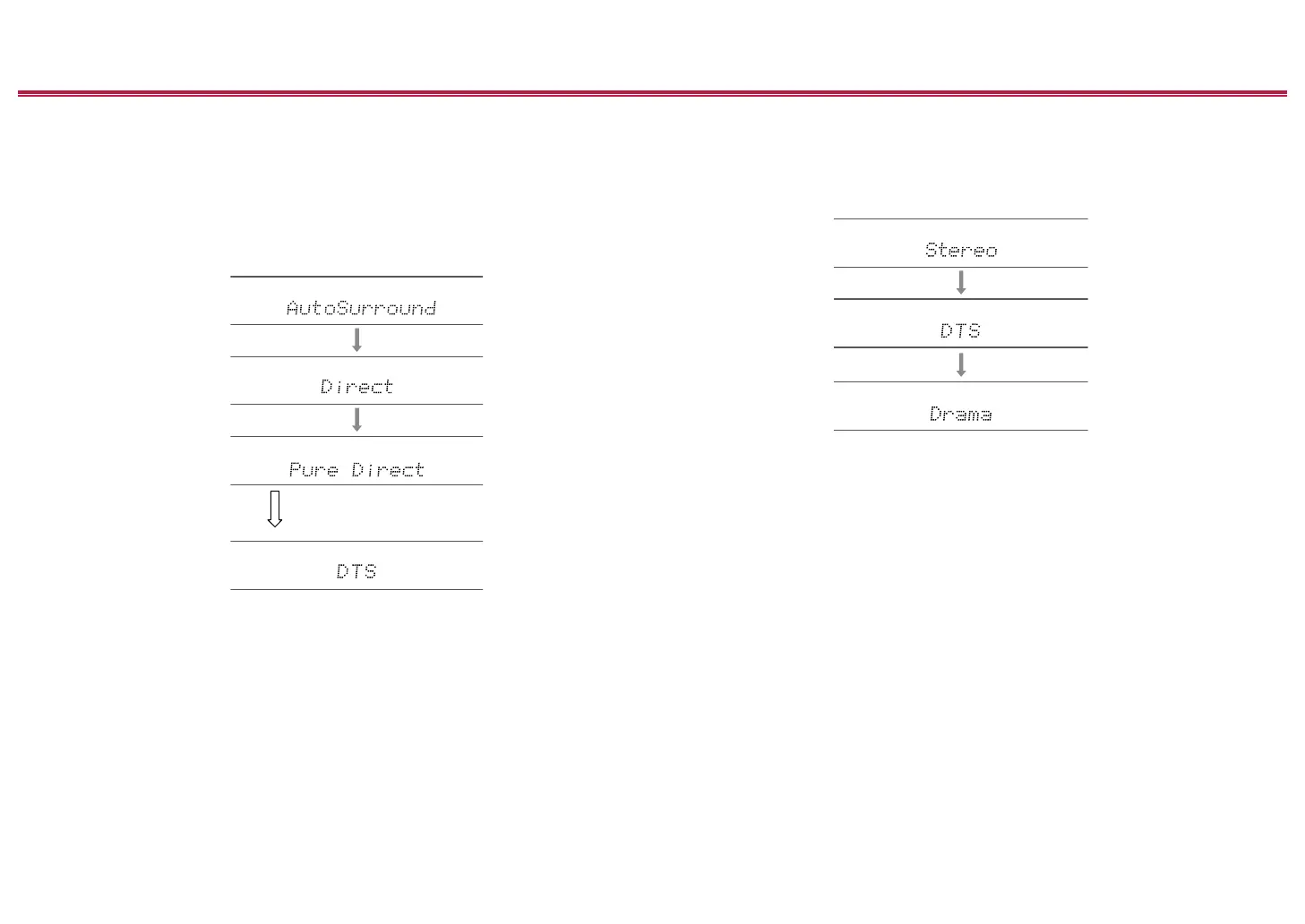
Press repeatedly and the listening modes suited to the input signal are switched
between "Auto Surround", "Direct", and "Pure Direct". After selecting one of them,
"Auto Surround" (or "Direct" or "Pure Direct") is displayed, then the most suitable
listening mode for the audio format is selected automatically (DTS for multi-
channel input signals, Stereo for 2 channel input signals, etc.) and an indicator
such as "DTS" is displayed on the display.
The "Direct" mode shuts down some processing that can affect sound quality,
such as the tone control features, so you can enjoy even better sound quality.
The "Pure Direct" mode shuts down even more processes that affects sound
quality, so you get a more faithful reproduction of the original sound. In this case,
the speaker calibration made with MCACC is invalid.
SURROUND button
By pressing repeatedly you can select the audio format of the signals being input
and switch between a variety of listening modes. Select the mode that suits your
preference. The selected listening mode is displayed on the display.
STEREO button
You can select the "Stereo" mode to playback only from the front speakers and
subwoofer.
For details on the effects of each of the listening modes see "Listening Mode
Effects". For listening modes selectable for each of the audio formats in the input
signals, refer to "Input Formats and Selectable Listening Modes".
The display changes automatically.


 To Next Page
 Loading...











