Current Section: Diagnostics 46
Navigation:
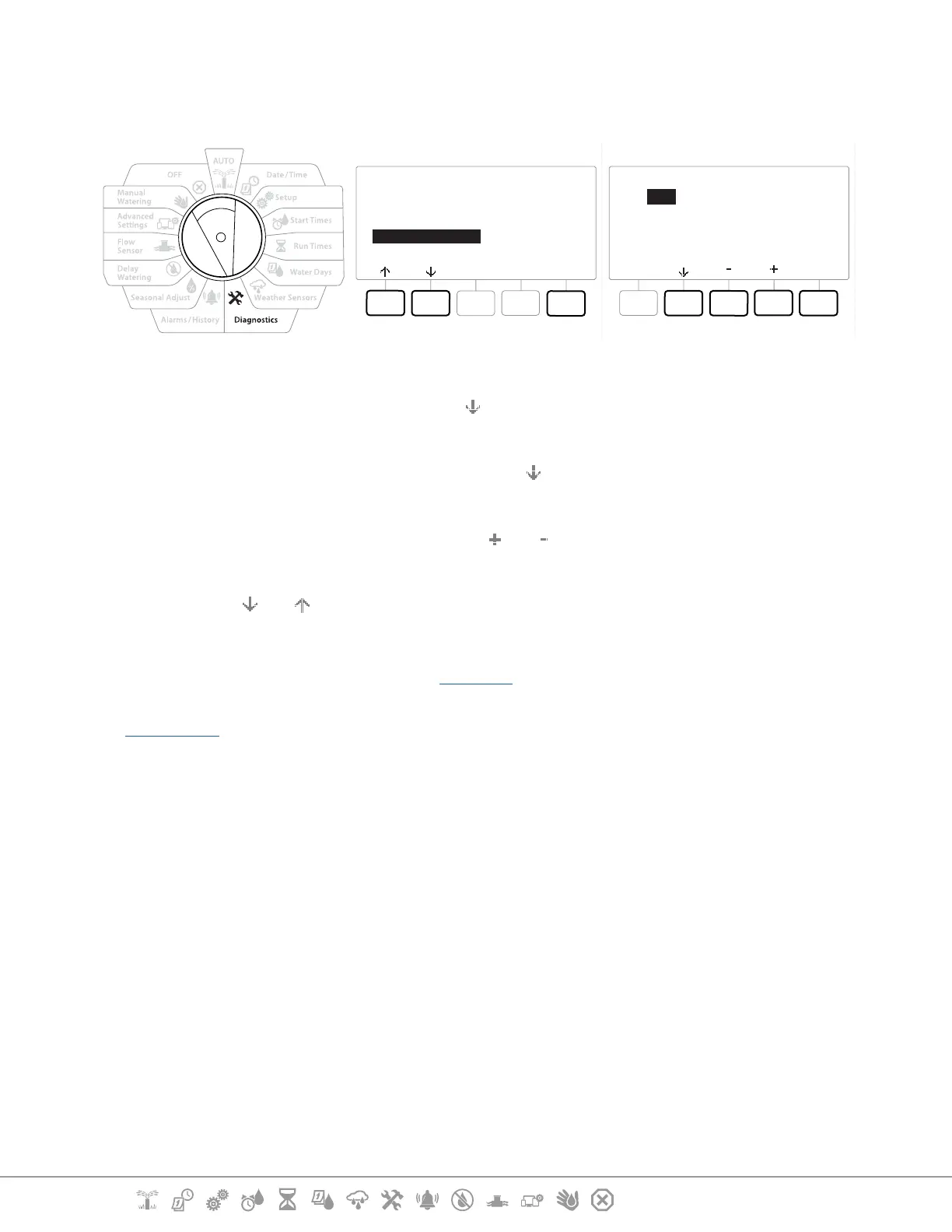
9.4.7 Station Run Times
Review total Run Time for all stations.
Next
Program Summary
Review Programs
Program Run Times
Station Run Times
STA 001
Done
PGM 01
PGM 02
HH:MM
01:20
02:00
1 Turn the controller dial to Diagnostics
2 At the DIAGNOSTICS screen, press the key to select “Confirm Programming”, then press
Next .
3 At the CONFIRM PROGRAMS screen, press the key to select “Station Run Times”, then
press Next .
4 At the Station Run Time screen, press the and keys to select the desired Station.
Station Run Times are shown for the currently selected station in all programs.
5 Press the and to scroll the list of programs. For Stations where a particular Program
is not used then no run time is shown.
•
To make changes make Run Time changes see “Run Times”.
•
Soak times for stations set up with Cycle+Soak are not included in the Station Run Time calculations. See
“Cycle+Soak™” for more details.


 To Next Page
 Loading...












