Storage Devices, Mouse, Audio & Printer
2 - 6 10-in-1 Card Reader
2
10-in-1 Card Reader
The card reader allows you to use some of the latest digital storage cards. Push
the card into the slot and it will appear as a removable device.
*Note: The PC adapters are usually supplied with these cards.
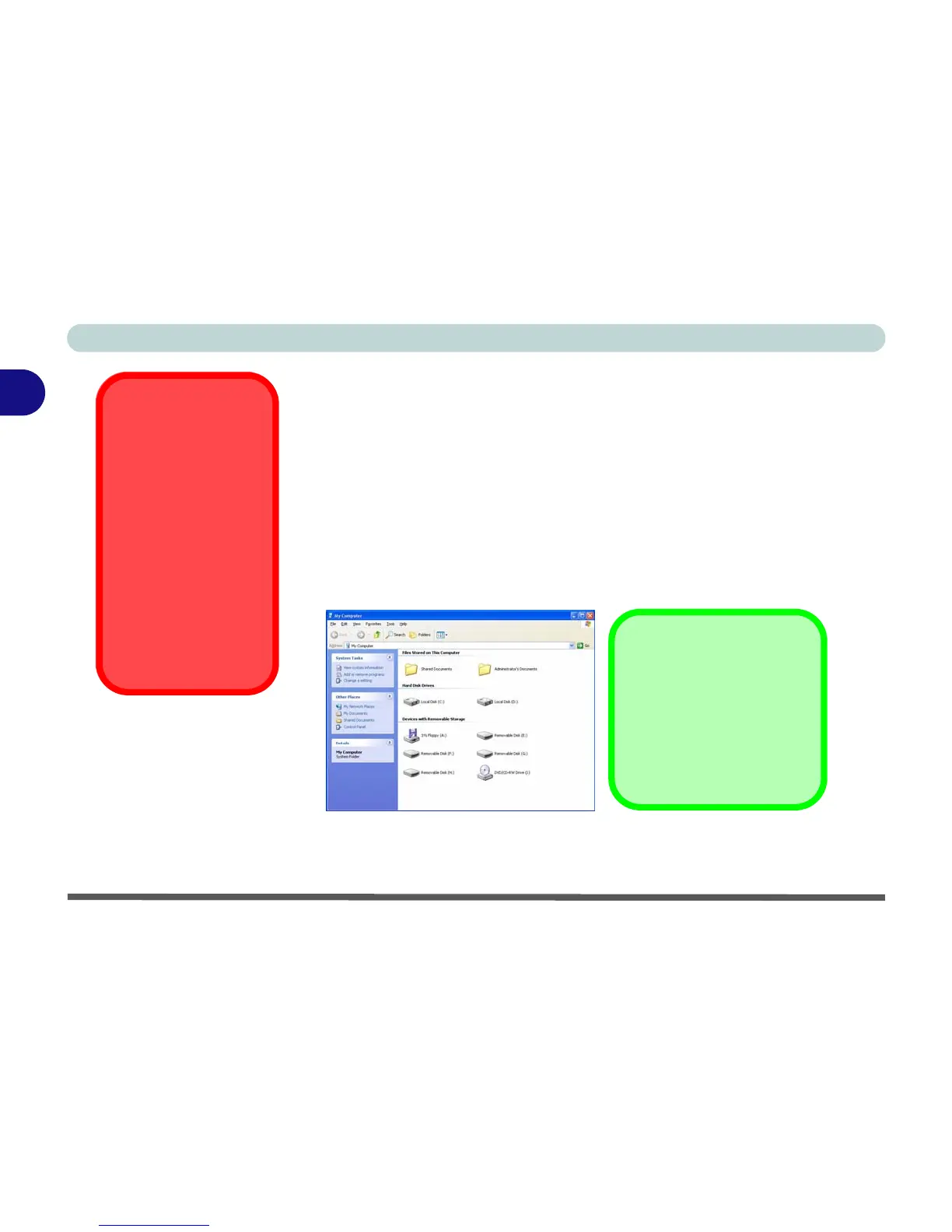
The cards will appear as removable disks on the computer and can be accessed
in the same way as your hard disk(s).
Operating System
Installation Warning
If you are installing an
operating system (e.g.
Windows XP), and
have a 10-in-1 Card
Reader present, make
sure to set the Card
Reader option in the
BIOS to “Disabled”.
See “Card Reader:
(Advanced Menu)”
on page 5 - 10.
Figure 2 - 4
Removable Disks
• MMC (MultiMedia Card)
• SD (Secure Digital)
• MS (Memory Stick)
• MS (Memory Stick Pro)
• SM (SmartMedia Card)
• CF (Compact Flash Types I & II)
• MD (IBM Microdrive)
• MS Duo (requires PC adapter*)
• Mini SD (requires PC adapter*)
• RS MMC (requires PC adapter*)
Card Reader Cover
Make sure you keep the
cover in the card reader
when not is use. This will
help prevent foreign objects
and/or dust getting in to the
card reader.


 To Next Page
 Loading...











