BIOS Utilities
Security Menu 5 - 11
5
Security Menu
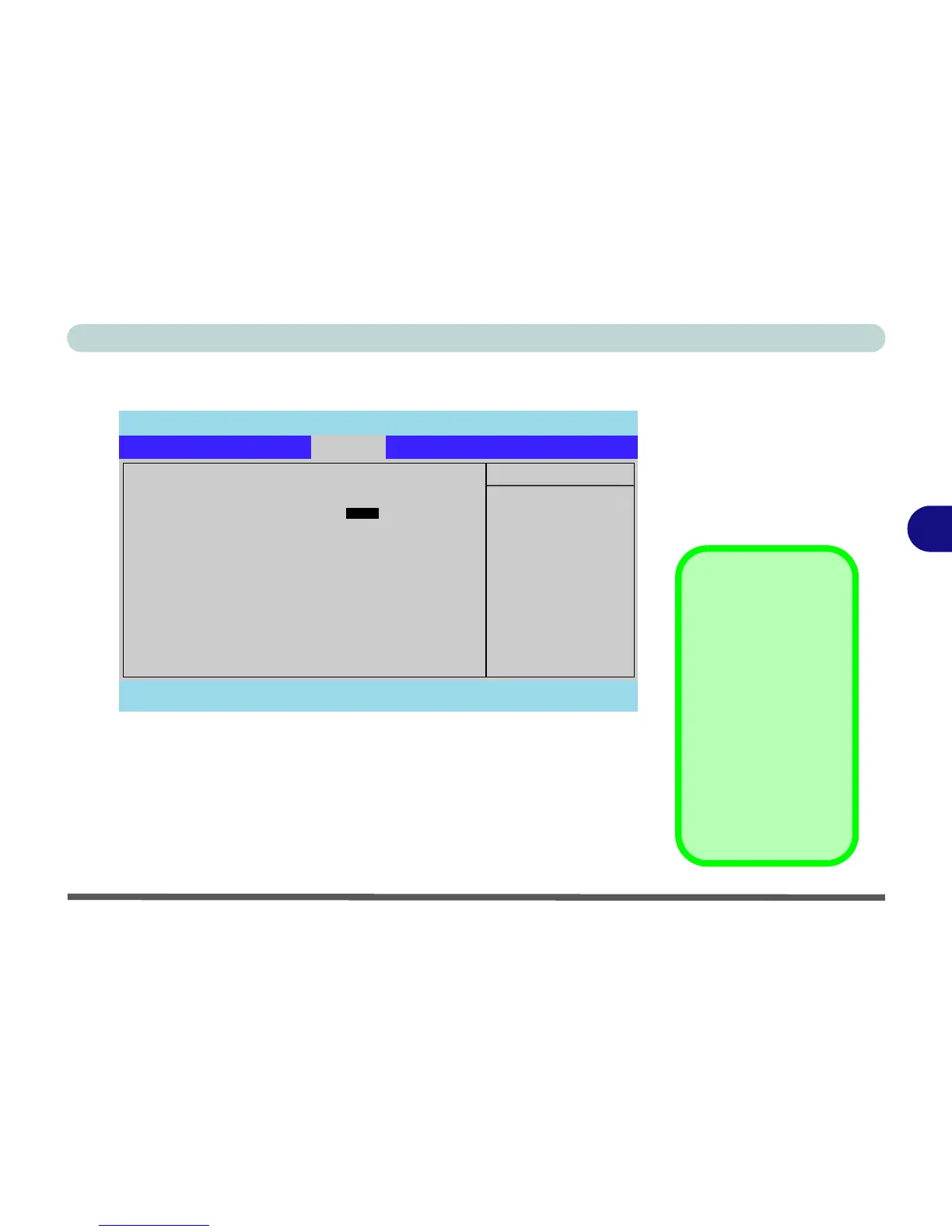
Set Supervisor Password (Security Menu)
You can set a password for access to the Setup utility. This will not affect ac-
cess to the computer OS, (only the Setup utility) unless you choose to set a
Password on Boot (see over).
Security Menu
The changes you
make here affect the
access to the Setup
utility itself, and also
access to your ma-
chine as it boots up af-
ter you turn it on.
These settings do not
affect your machine or
network passwords
which will be set in
your software OS.
Figure 5 - 4
Security Menu
PhoenixBIOS Setup Utility
Main Advanced Security Boot Exit
F1 Help Select Item -/+ Change Values F9 Setup Defaults
Esc Exit Select Menu Enter Select Sub-Menu F10 Save and Exit
Item Specific Help
Supervisor Password
controls access to the
setup utility.
Security
Supervisor Password Is: Clear
Set Supervisor Password [E


 To Next Page
 Loading...











