44952001TH Rev.2
3-22
Oki Data CONFIDENTIAL
3. MFP INSTALLATION
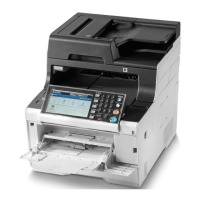
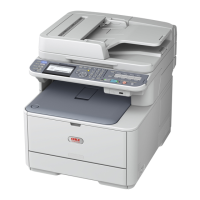
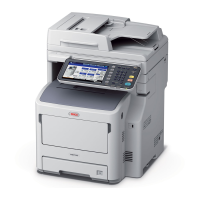
Each model name is displayed.
(But"dw"isnotdisplayed.)
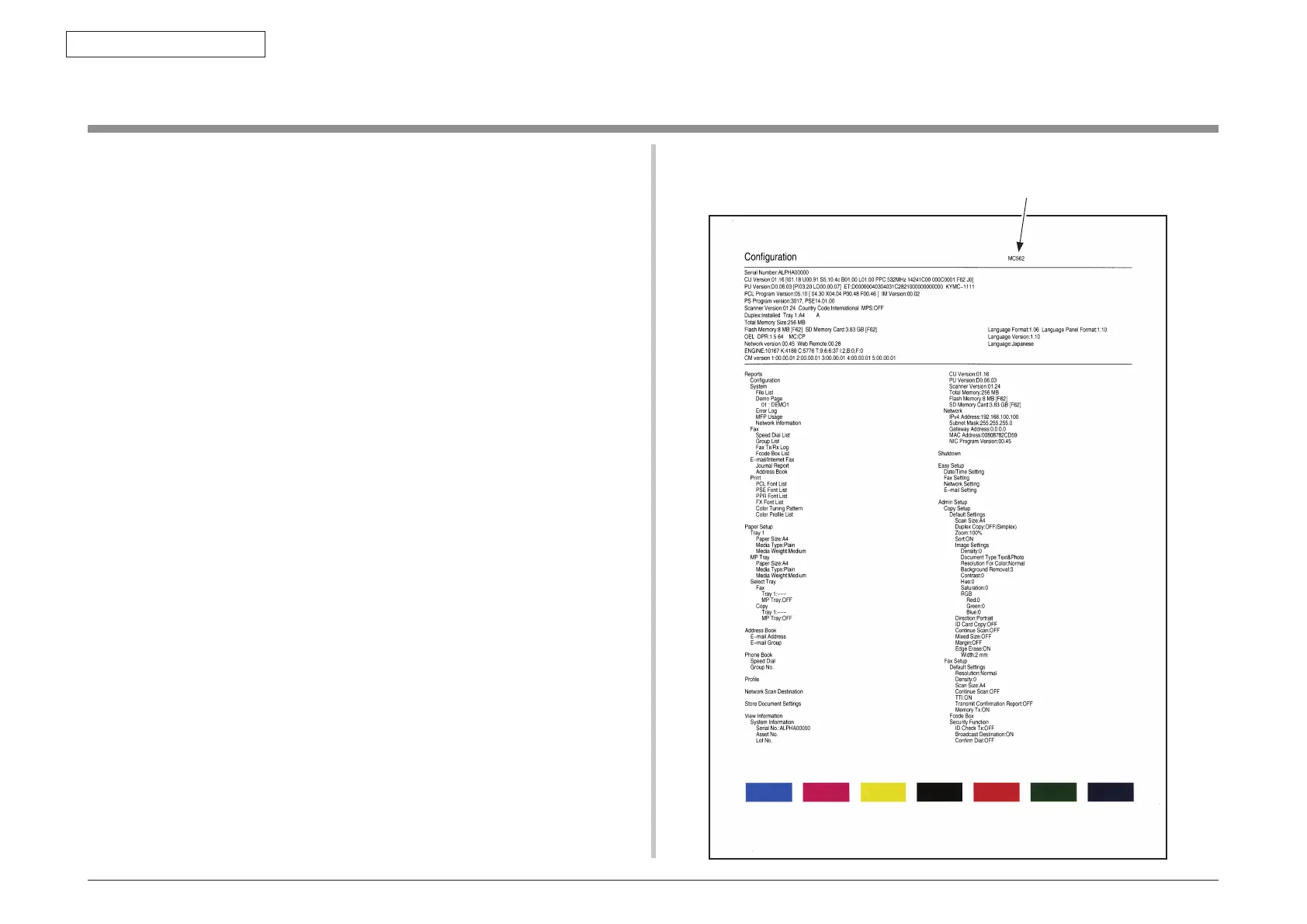
3.6 Configuration Page Print
Make sure that the MFP operates normally.
(1) Fromthepanel,press"Setting"button.
(2) Select"Reports".
(3) Select"Conguration".
(Pressthedownbuttontogoto"Conguration"andthenpresstherightbutton.)
(Sample) MC562



 To Next Page
 Loading...