101
9
T h e S o n g J o b s
T h e S o n g J o b s
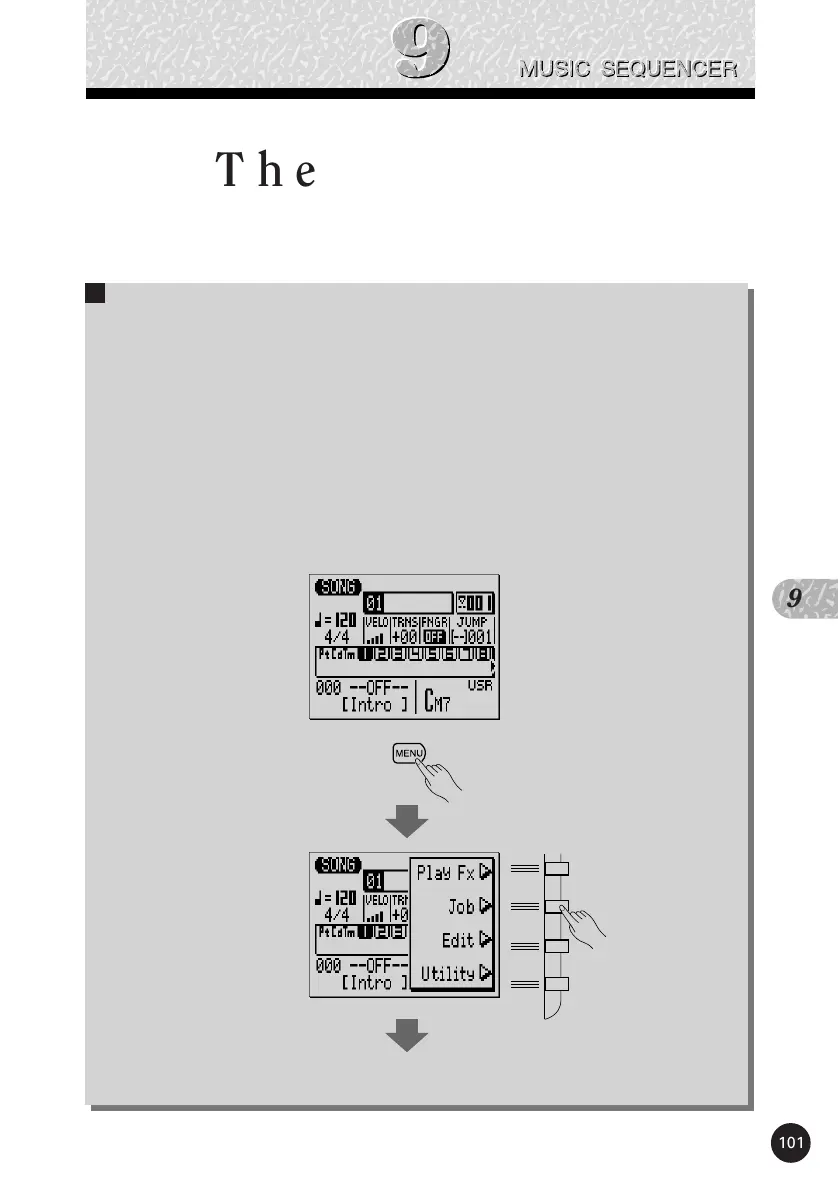
The SONG mode includes 25 song “jobs” that perform a
variety of important functions. To access and use the song jobs, press
the [MENU] key while in the main SONG play mode, then press the
“Job” function key. This calls the song job list. You can select any job
on the list simply by moving the cursor to the required job and press-
ing [ENTER]. The function keys can be used to move the cursor
directly to the first job in the corresponding category: Event, Measure,
Track, or Song (press the [MENU] key, then the appropriate function
key).
,,,,,,,


 To Next Page
 Loading...