51
5
E a s y A c c o m p a n i m e n t
Z Select a Song to Record
Select an empty song if you want to record a new song in
the step record mode, or select a song that already contains data
if you want to make changes or additions.
X Engage the Record Ready Mode
Press the [
S
] key to engage the record ready mode. The
red LED above the [
S
] key will light.
Step Accompaniment Recording
The STEP record mode can be used with the “Pt” (Pattern) and
“Cd” (Chord) tracks, making it easy to individually enter or delete pattern
and chord changes at precisely the required locations.
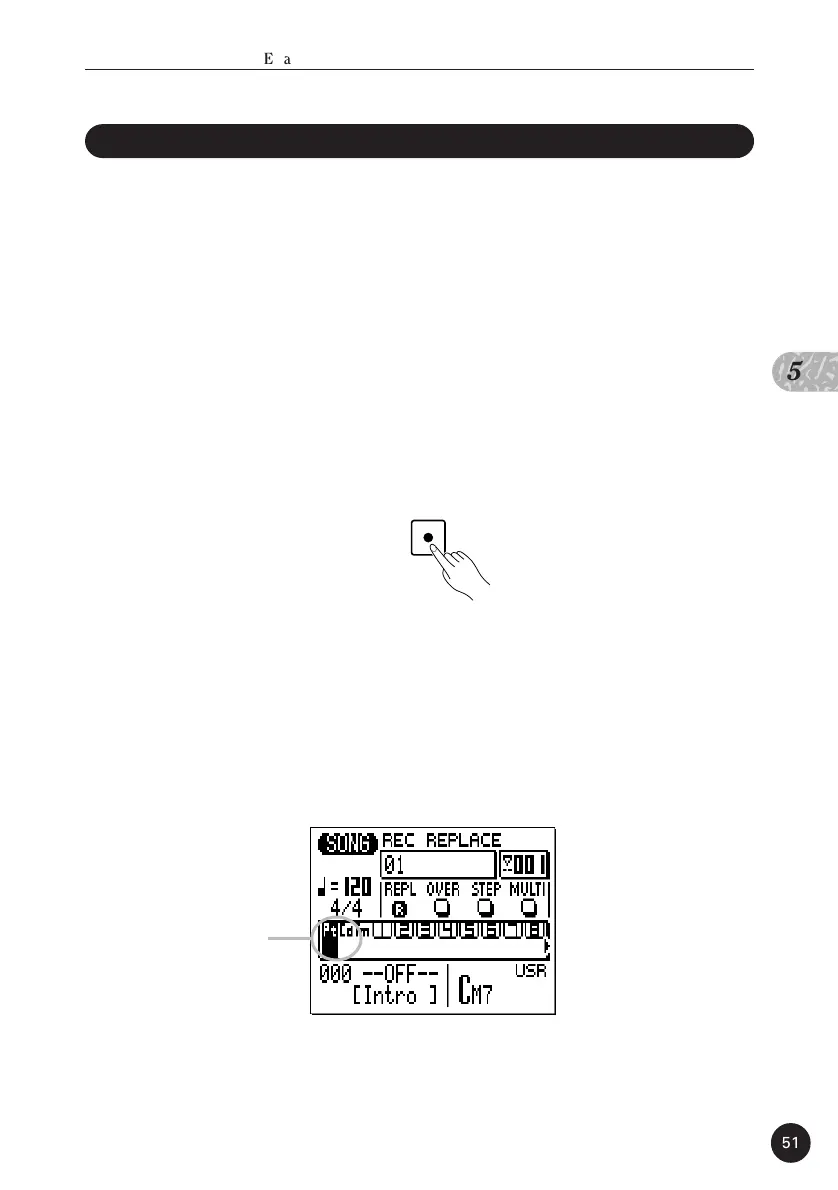
C Select the “Pt” or “Cd” Track
Move the cursor to the track area of the display, and then
shift the cursor sideways to select “Pt” or “Cd”. Once selected,
move the cursor vertically if you want to move to other areas of
the screen. The selected track will remain highlighted no matter
where you move the cursor.
“Pt” or
“Cd” Track


 To Next Page
 Loading...