76
Personal Program
Selecting Stitch Pattern
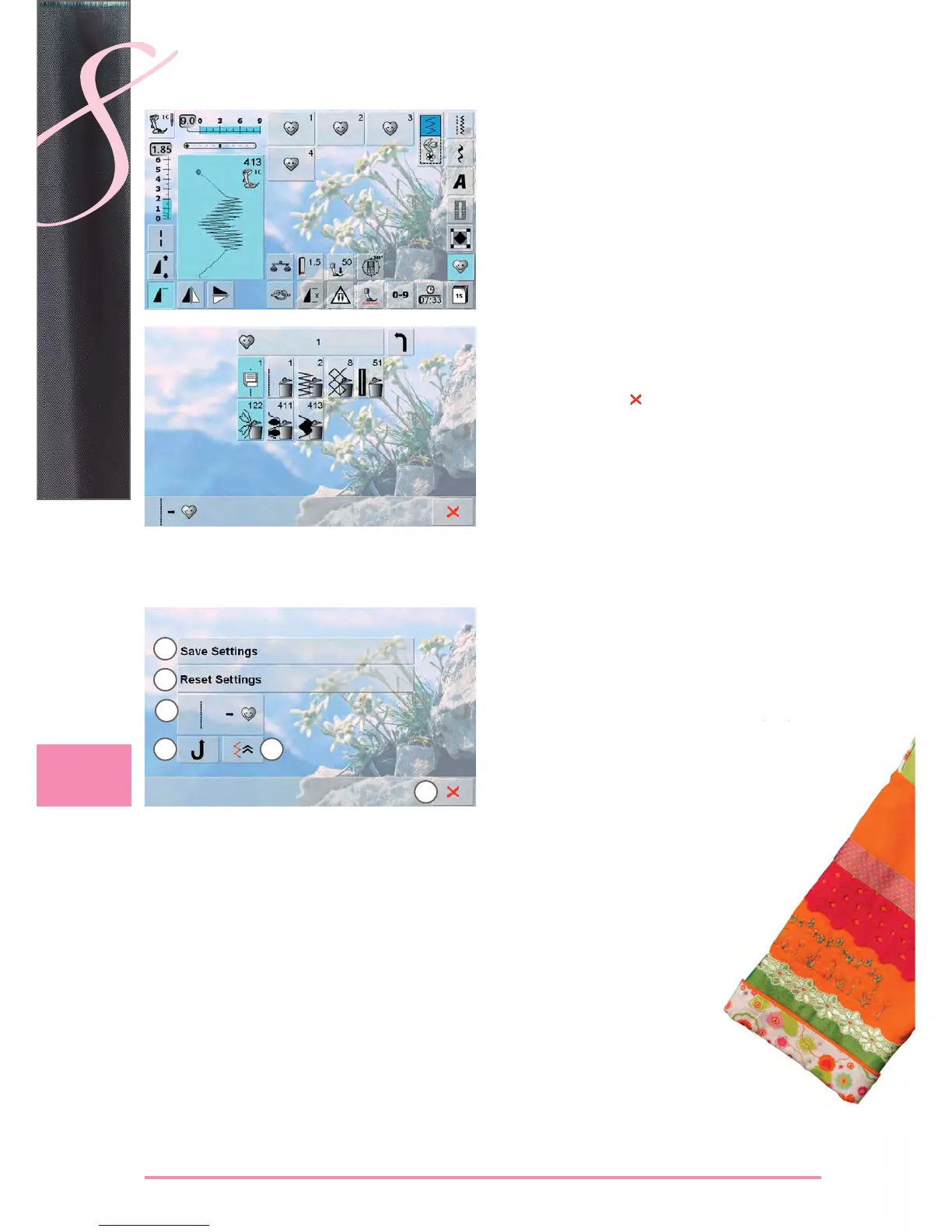
touch the «Personal Program» icon ►
the screen appears with the four files ►
select the file where the stitch pattern is to be deleted, ►
e.g. 1
touch the Stitch Altering Area (light blue) ►
touch the «Add» icon (as for programming) ►
the content of the file selected is shown ►
select the stitch pattern to be deleted ►
the stitch pattern is deleted; all the remaining patterns ►
are moved by one position
close the screen with ►
Deleting Stitch Patterns
Special Screen
All alterations (stitch lengths, stitch widths, etc.) of the 1
stitch pattern selected are saved
All alterations of the stitch pattern selected are reset
2
to the original basic setting
Add a selected stitch pattern to your Personal 3
Program (with possible alterations)
The sewing computer sews continuously in reverse4
The stitch pattern is sewn in reverse, retracing the 5
previously sewn stitches by the stitch
Close the screen6
1
2
3
4 5
6


 To Next Page
 Loading...







